


Installation and emergency support
For door entry systems, call the team with the postcode, photos, urgency and any product details ready.
Door entry systems
The important decisions are practical: who answers, what unlocks, how the entrance closes, and how residents, staff, reception and maintenance keep control after handover.
Planning focus
Door entry system planning from call panel through verification, release, closer and maintenance
CCTV and alarms guide
Door Entry Systems | Lock & Key
Door entry systems sit between security, convenience and daily building management. A good specification defines who calls, who answers, what releases, how regular users enter, how emergency override works and what happens when reception, residents or staff are unavailable.
Key point
Visitor release is a workflow
The system must make it obvious where a visitor calls, who is allowed to answer, which door or gate unlocks, how long it releases for and what the fallback is when nobody answers.
Key point
The lock choice is not separate
Intercom panels, handsets and monitors only authorise release. The entrance still needs a compatible lock, strike, maglock, closer, gate operator, escape device and manual override.
Key point
Residents and staff need a different access plan
Visitors normally call for release. Regular users usually need fobs, cards, PINs, keys, digital locks or a managed access-control route so reception and residents are not used as the only access method.
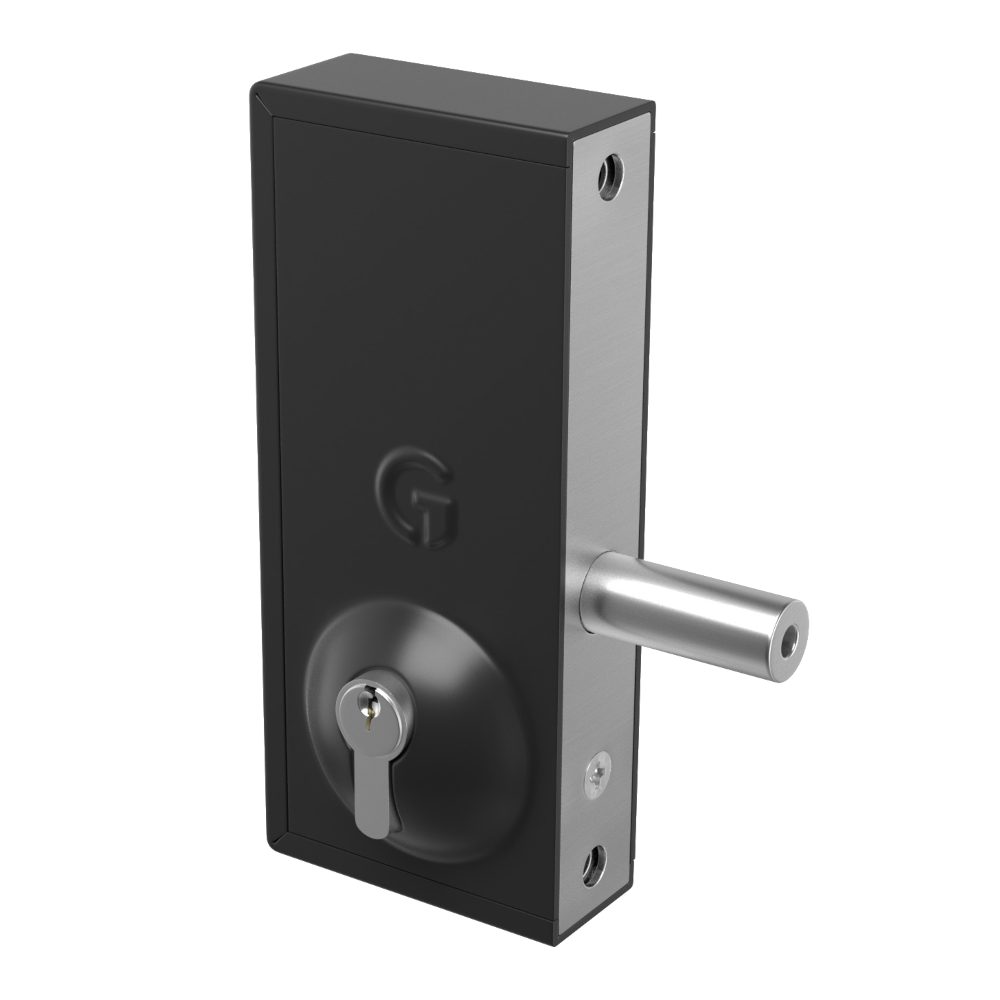
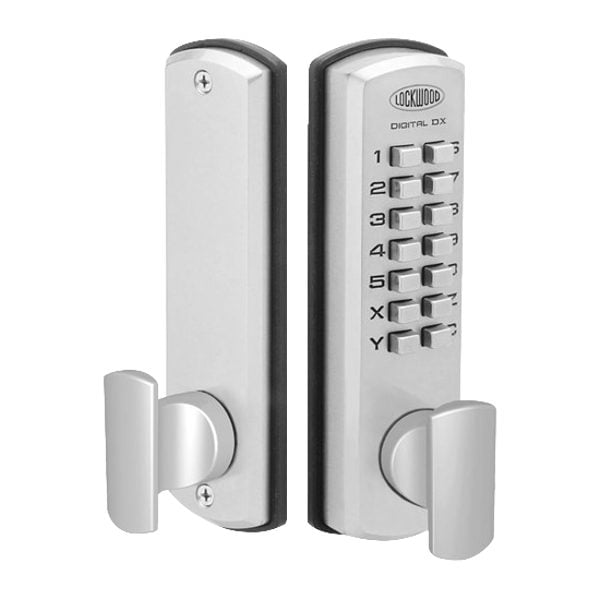
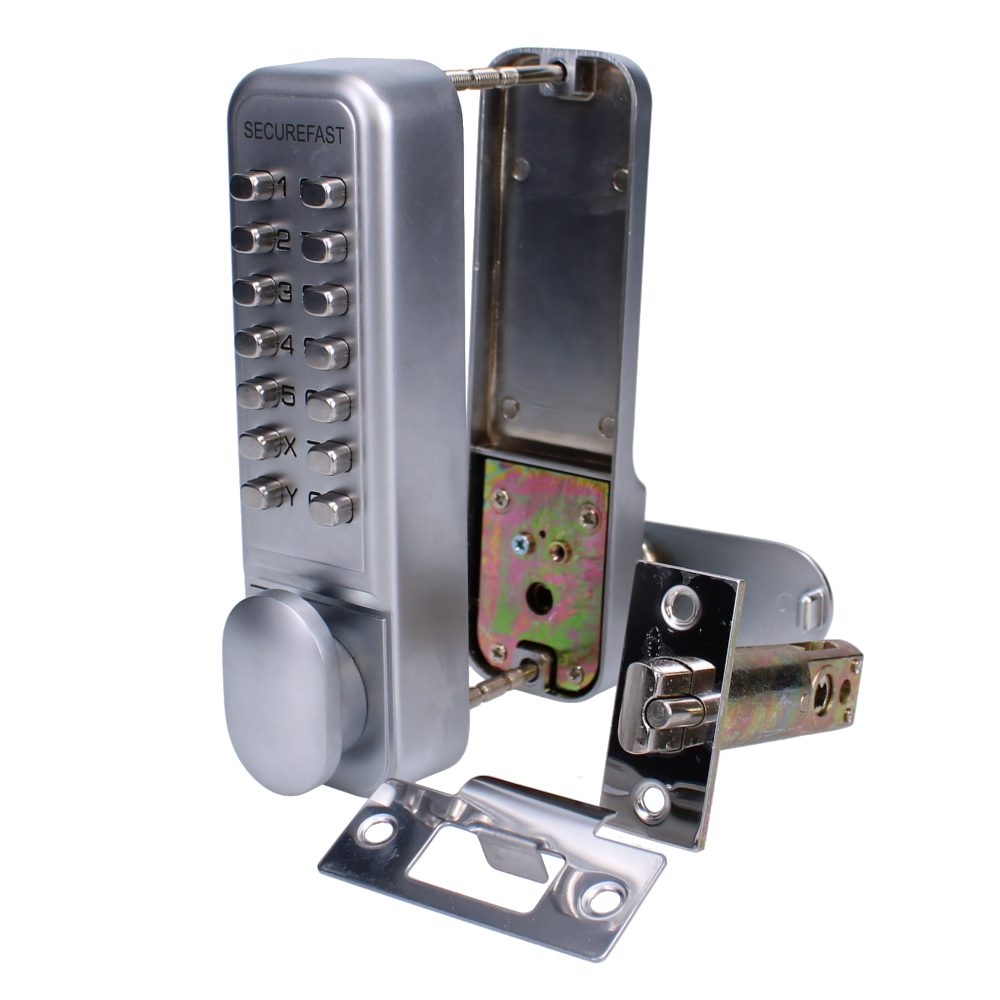
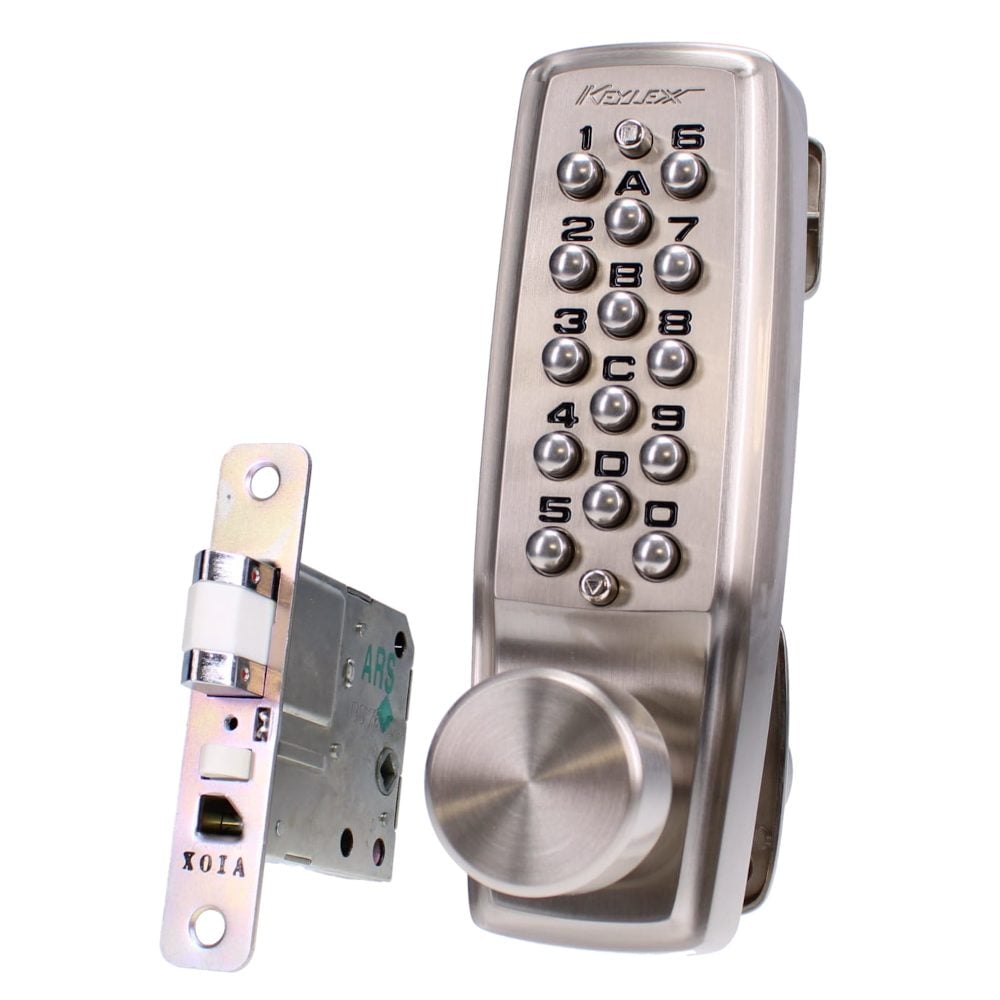
Mechanical Digital
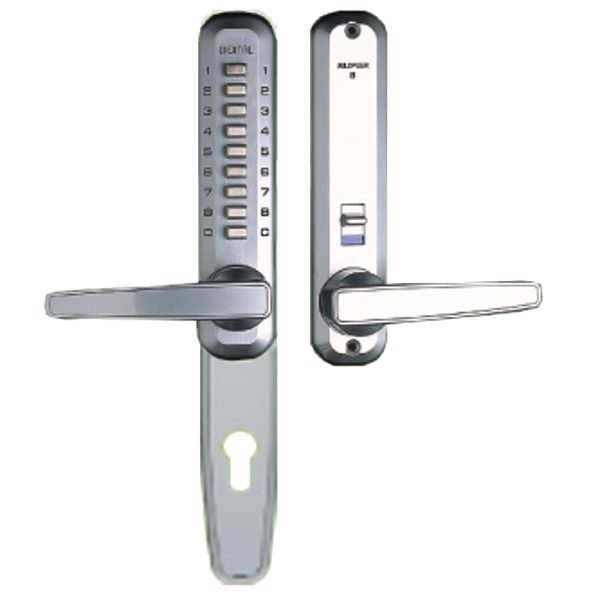
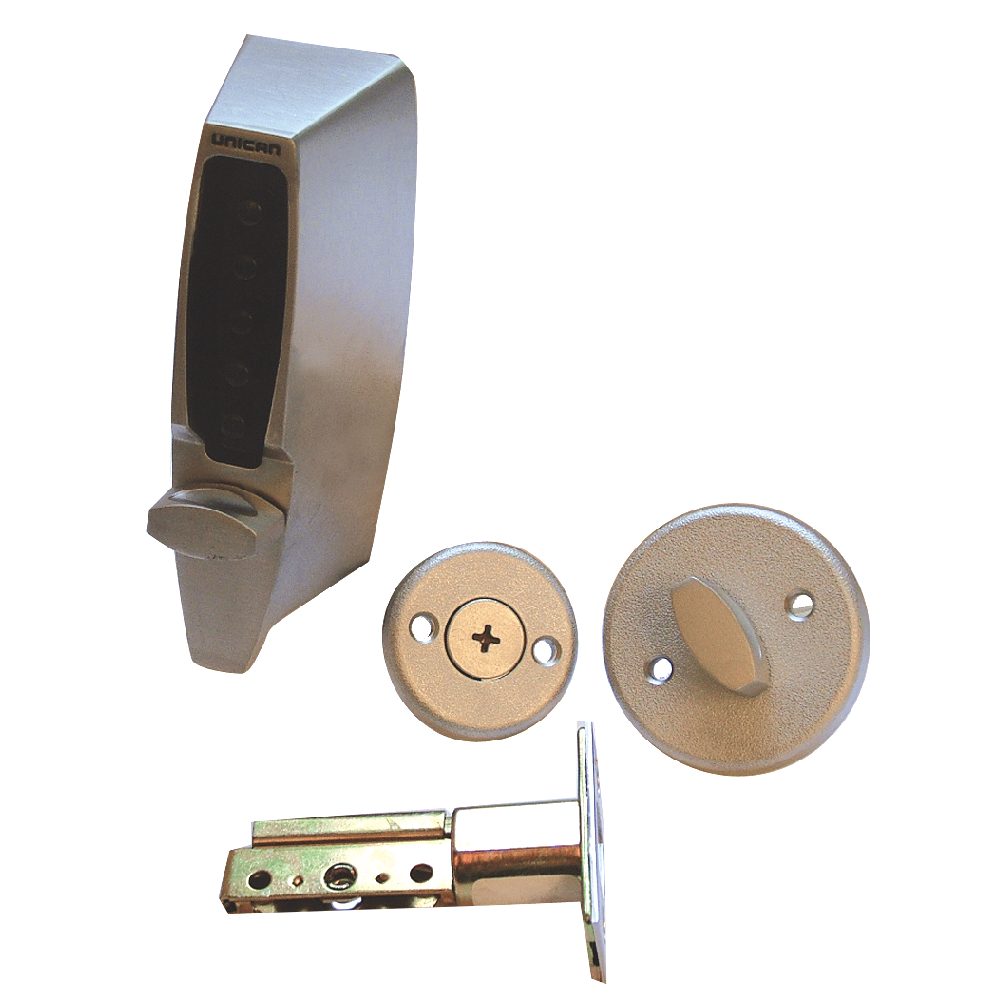
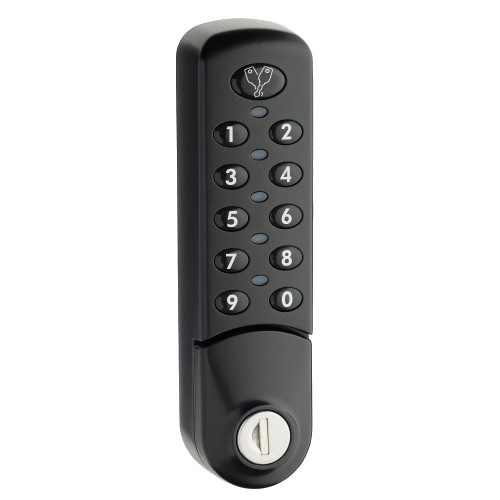
Mechanical digital and keypad access-control products can be useful for simple staff doors, stores, low-complexity gates and internal controlled areas where full electronic door entry is unnecessary.
Visitor journey map
One release decision, five connected parts.
A useful door entry brief follows the visitor from the pavement to a closed, latched entrance. Each step needs an owner, a fallback and hardware that matches the door.
Planning focus
Door entry visitor journey from call panel to audit and maintenance
Where this matters
Shared entrances and flats
Visitors call residents, while fobs, handsets and user removal keep everyday access manageable.
Commercial reception
Desk release, video checks and staff credentials separate visitor decisions from routine staff movement.
Gates and yards
Weather, vehicle position, manual release and emergency access become part of the entry design.
Resident and staff access
Release stack
Survey focus
Visitor journey
Start with the call and release sequence
Door entry design should begin with the exact sequence at the entrance. A visitor arrives, finds the correct call button, speaks or appears on video, waits for a decision, the authorised person releases the right opening, and the door or gate closes securely afterwards.
- Name every call destination: flat number, reception desk, security office, office tenant, remote answering point or duty mobile.
- Decide whether calls should ring one point, cascade to another point, call multiple monitors or divert out of hours.
- Set release timing carefully so a visitor can enter without leaving the door unlocked long enough for tailgating.
- Make signage, lighting, panel height, button labels, microphone position and shelter part of the specification rather than afterthoughts.
Intercom choices
Audio intercoms, video entry and mobile answering
Audio entry is suitable where speech confirmation is enough. Video entry adds visual confirmation for flats, receptions, gates, vulnerable residents and busy delivery points. App-based or networked systems can help remote staff, but they introduce network, device, privacy and support responsibilities.
- Audio-only systems keep cost and complexity lower, but depend on users recognising callers and asking the right questions.
- Video monitors help where visitors, couriers, contractors or tailgating risk need visual checks before release.
- Mobile answering can suit unmanaged entrances, but needs clear ownership for phones, accounts, notifications, updates and lost-device access.
- Reception-controlled doors may need a desk release, camera view, visitor log and clear rule for when reception is unattended.
Shared entrances
Flats and shared residential entrances
Blocks of flats need predictable calling, secure communal release and a clean process for resident changes. The system should support everyday deliveries without leaving the entrance dependent on shared trade codes or residents releasing callers they cannot identify.
- Confirm the number of flats, call-button naming, directory style, accessibility needs, riser routes and whether each dwelling needs audio, video or both.
- Agree who can add or remove residents, reset handsets, change call routing, remove fobs and manage communal credentials.
- Plan parcel, cleaner, contractor, bin-store and maintenance access separately from visitor calls to individual flats.
- Avoid permanent shared release codes where tenant turnover is high unless there is a strict code-change routine and risk owner.
Front-of-house control
Offices, receptions and staff-controlled doors
Commercial door entry often has two layers: visitors call through reception or a team desk, while staff enter through a credential route. The plan should separate front-of-house release from staff doors, stock rooms, back entrances and out-of-hours access.
- Reception release should show staff which entrance is being released, particularly on sites with a front door, goods-in door, car park gate or side entrance.
- Staff should not need to ring reception for routine entry; cards, fobs, PINs, digital locks or keys are usually more practical.
- Contractor and cleaner access needs named responsibility, time windows and a fallback when reception is closed.
- Visitor logs, CCTV views and intercom release records should be aligned where incident review or duty-of-care evidence matters.
External approach
Gates, yards and perimeter entrances
Gate entry has extra variables: weather, cable distance, vehicle movement, pedestrian segregation, gate automation, delivery access, emergency service entry and the risk of a caller standing in an unsafe position while waiting for release.
- Specify separate pedestrian and vehicle access where possible so people are not encouraged to walk through moving vehicle gates.
- Check cable runs, ducting, voltage drop, surge protection, weather rating, lighting, drainage, vandal resistance and panel visibility from vehicles.
- Coordinate intercom release with gate automation, safety edges, induction loops, exit buttons and manual release arrangements.
- Define delivery, waste collection, grounds maintenance and emergency service access without leaving the gate permanently open.
Release hardware
Locks, releases and door hardware
Door entry is only as reliable as the hardware it releases. Electric strikes, electric lock releases, maglocks, motorised locks, electronic lockcases and gate releases all have different behaviour during traffic, power loss, forced entry and escape.
- Survey the door leaf, frame, latch, keep, closer, hinges, threshold, weather seals and current lock before choosing a release.
- Electric strikes can suit latched doors, but alignment and latch type matter; a warped or poorly closing door will cause repeated faults.
- Maglocks need suitable fixing strength, monitored exit controls and careful escape planning because the holding force is separate from the mechanical latch.
- Fail-safe and fail-secure behaviour must be chosen around the door role, insurance risk, escape route, fire strategy and manual override requirement.
Credentials
Access control overlap
Door entry handles visitors asking to be let in. Access control handles regular users proving they are allowed in. Many entrances need both: an intercom for visitors and a credential route for residents, staff, cleaners, contractors or security teams.
- Combine door entry with access control where user removal, timed permissions, audit trails or fob/card management matter.
- Mechanical digital locks can suit simple internal doors or low-complexity gates where shared-code management is acceptable.
- Master key and restricted key planning still matters where electronic doors need maintenance access, emergency entry or a mechanical fallback.
- Avoid treating visitor release as staff access control; it creates interruption, weak accountability and inconsistent entry decisions.
Escape strategy
Emergency override, fire and escape
Powered locking and intercom release must not compromise safe escape. Doors on escape routes need appropriate emergency release, fire alarm interfaces, request-to-exit arrangements, manual override and maintenance testing. The correct behaviour depends on the door, not on the intercom brand.
- Identify fire doors, final exits, communal escape doors, flat entrances, stair cores, gates on escape routes and doors with panic or emergency hardware.
- Confirm what happens during fire alarm activation, local emergency release, power failure, controller failure and network outage.
- Keep escape-side operation clear and mechanical where required; people leaving in an emergency should not need a code, fob, app or staff decision.
- Record who tests emergency release devices, fire interfaces, door closers, gate manual release and backup power.
Infrastructure
Cabling, networking and future maintenance
Door entry systems can be two-wire, multi-core, IP/networked, wireless-assisted or integrated into access-control infrastructure. The right route depends on cable paths, distance, building fabric, power, future expansion and who will support the system after handover.
- Record existing cabling, risers, ducts, containment, door loops, power supplies, cabinets, network points and spare capacity before selecting equipment.
- Networked systems need secure account management, firmware ownership, resilient connectivity and a plan for router, switch or broadband changes.
- Wireless links may reduce cabling in some cases, but battery, signal, interference, reliability and support responsibilities still need checking.
- Leave documentation for device locations, cable routes, power supplies, access credentials, admin contacts, release timing and maintenance intervals.
Camera confidence
Privacy, recording and resident confidence
Video entry can capture identifiable people in shared, workplace or public-facing areas. Privacy should be designed in from the start: field of view, recording status, retention, signage, user permissions, app access and who can view images all need a clear answer.
- Aim cameras at the call position rather than unnecessarily capturing neighbours, private windows, desks, pavements or unrelated shared spaces.
- Decide whether the system records, how long clips are kept, who can view them and how access is removed when staff or residents change.
- For workplaces and managed buildings, align video entry with wider CCTV, visitor, data-protection and staff-monitoring policies.
- Limit mobile app access to the people who need it and review accounts periodically, especially after tenancy, employment or contractor changes.
Survey brief
Survey inputs before specification
A useful survey captures the physical entrance, the people who use it and the management process behind it. Photos and door counts help, but the decisive details are usually workflow, escape role, existing faults, cable routes and who owns day-to-day administration.
- Prepare entrance photos showing the outside approach, inside face, frame, lock, closer, current call panel, power points, gate equipment and any existing readers.
- List user groups: residents, staff, reception, cleaners, contractors, couriers, carers, maintenance, security, visitors and emergency access holders.
- Document opening hours, out-of-hours rules, delivery windows, doors that are propped open, frequent faults and any historic code or fob issues.
- Confirm expansion expectations such as more flats, extra offices, gate automation, CCTV integration, access-control upgrade or remote management.
FAQs
Door Entry Systems | Lock & Key FAQs
Short answers for separating product research, fitting, survey and urgent callout work.
Is audio entry enough, or should the system include video?
Audio can be enough for a simple entrance where callers are expected and the risk is low. Video is stronger where residents, reception staff or security teams need to identify visitors, check deliveries, manage gates or reduce mistaken releases.
Can one system handle flats, a gate and reception?
Often yes, but it needs careful call routing. Flats may need individual resident calling, reception may need a desk release, and a gate may need weatherproof hardware, safe vehicle positioning and emergency access. Treat each entrance as a separate release point in the same overall plan.
What is the difference between door entry and access control?
Door entry lets a visitor request release from someone inside. Access control lets regular users prove permission with a fob, card, PIN, token, key or digital lock. Shared entrances often need both.
Which lock release is best for a door entry system?
There is no universal best release. Electric strikes, lockcase releases, maglocks, motorised locks and gate releases depend on the door construction, latch type, frame, closer, escape route, fire role, power route and required fail-safe or fail-secure behaviour.
Should a controlled door unlock during a fire alarm?
That depends on the door role and fire strategy. Escape must remain safe and understandable, and powered locking may need a fire alarm interface, emergency release device, request-to-exit control, manual override or different hardware. This should be checked before installation.
Can video entry cause privacy issues?
Yes. Camera angle, recording status, retention, app access, signage and who can view footage all matter. The camera should capture what is necessary for visitor release and avoid unnecessary views into neighbouring, private or unrelated shared areas.
What information helps specify a door entry system?
Useful inputs include entrance photos, number of flats or offices, user groups, current locks, door and frame condition, existing cabling, power availability, gate details, opening hours, delivery routines, fire or escape role, privacy concerns and who will administer users.
Are wireless or app-based door entry systems reliable enough?
They can be suitable where the network, signal, power, device ownership and support process are clear. They are weaker when account control is informal, phones change frequently, Wi-Fi is unreliable or nobody owns updates and user removal.
Installation and emergency support
Need door entry systems handled by our team?
Call for locksmith callouts, vehicle keys, safes, grilles, shutters, CCTV, alarms, access control, fire doors, and installation work. Share the postcode, photos, urgency and any product details so the job can be routed cleanly.
Call our team
01296 925335