


Installation and emergency support
For access control installation, call the team with the postcode, photos, urgency and any product details ready.
CCTV and alarms guide
Access Control
Access control should be planned as a door-by-door specification: who may enter, when they may enter, how the door locks, how it releases in an emergency, and how access is removed when trust changes. Good design covers keypads, fobs, cards, tokens, electric releases, door hardware, audit trails, fire escape compatibility and maintenance before products are chosen.
Survey first
Start with the door schedule
List every controlled opening, its users, risk level, traffic, fire role, existing lock, frame condition, power route and override need before deciding between keypad, token reader, electric release or mechanical digital hardware.
Two decisions
Separate identity from release
The credential proves who is allowed in; the hardware decides how the door physically unlocks. A reader, keypad or token system still needs a suitable lock, strike, maglock, closer and escape method.
Lifecycle
Design for change
Staff turnover, contractor access, lost fobs, shared codes, out-of-hours deliveries and emergency attendance all need a removal, override and maintenance process that survives daily use.
Mechanical Digital
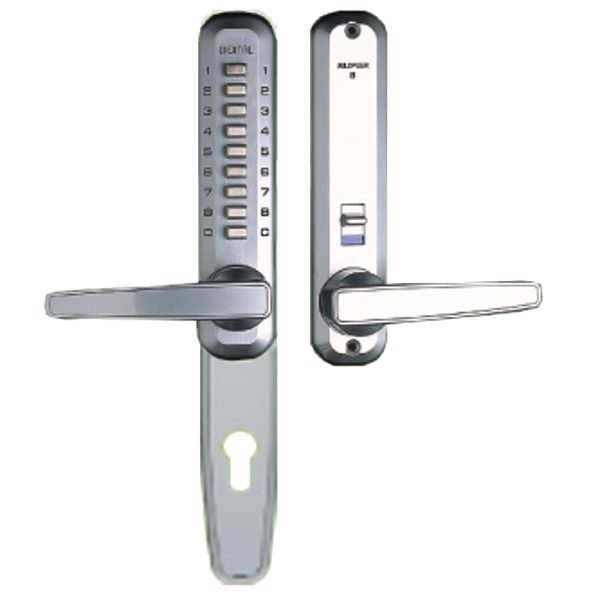
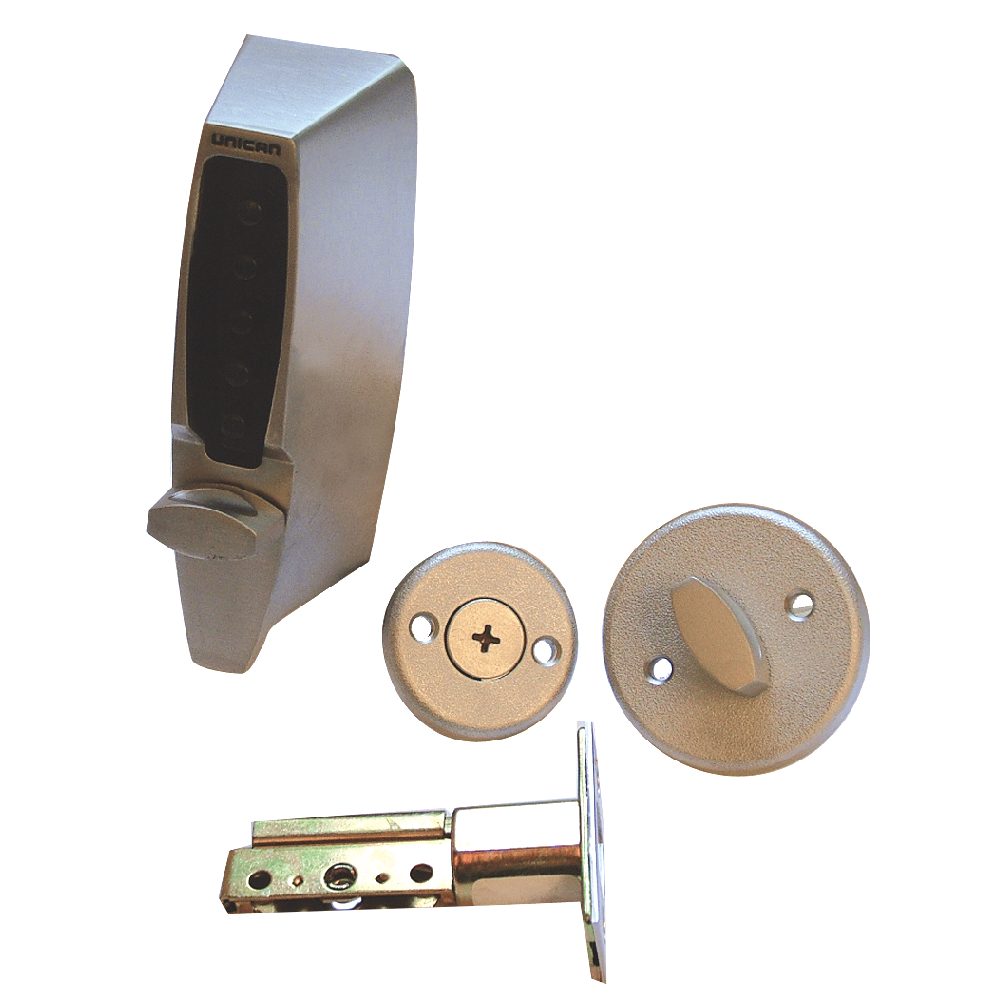
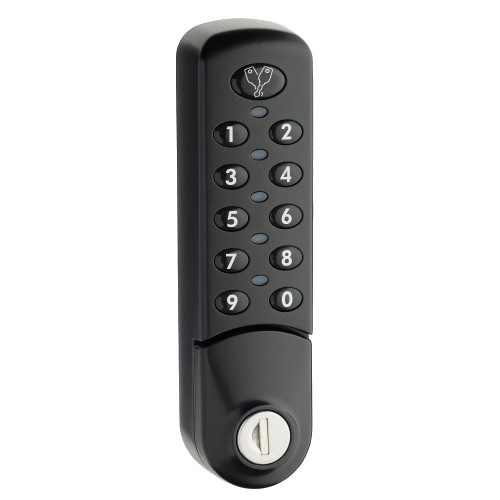
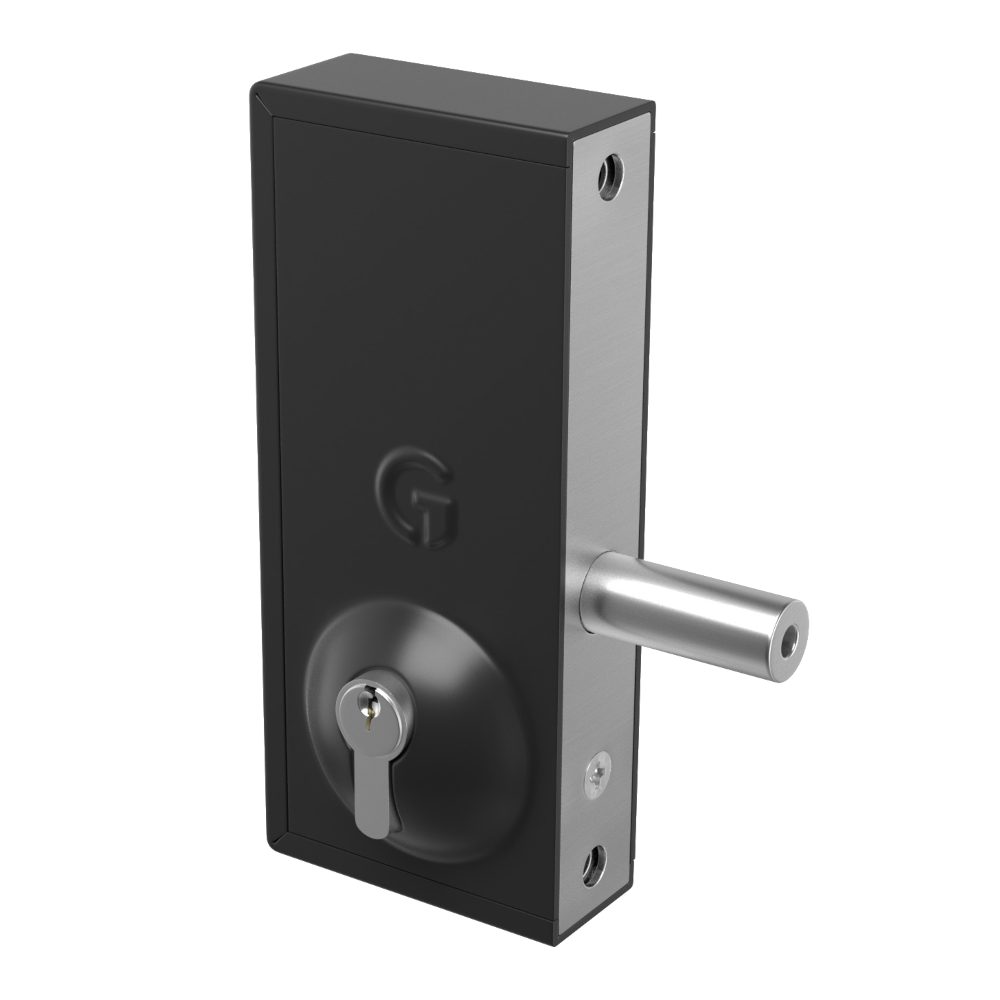
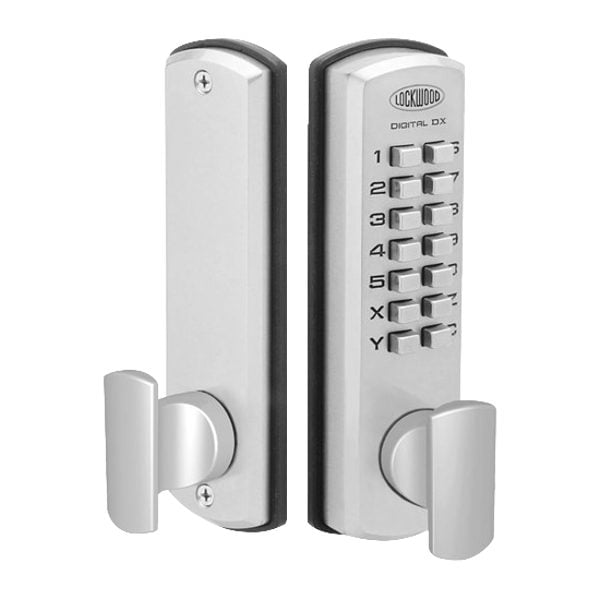
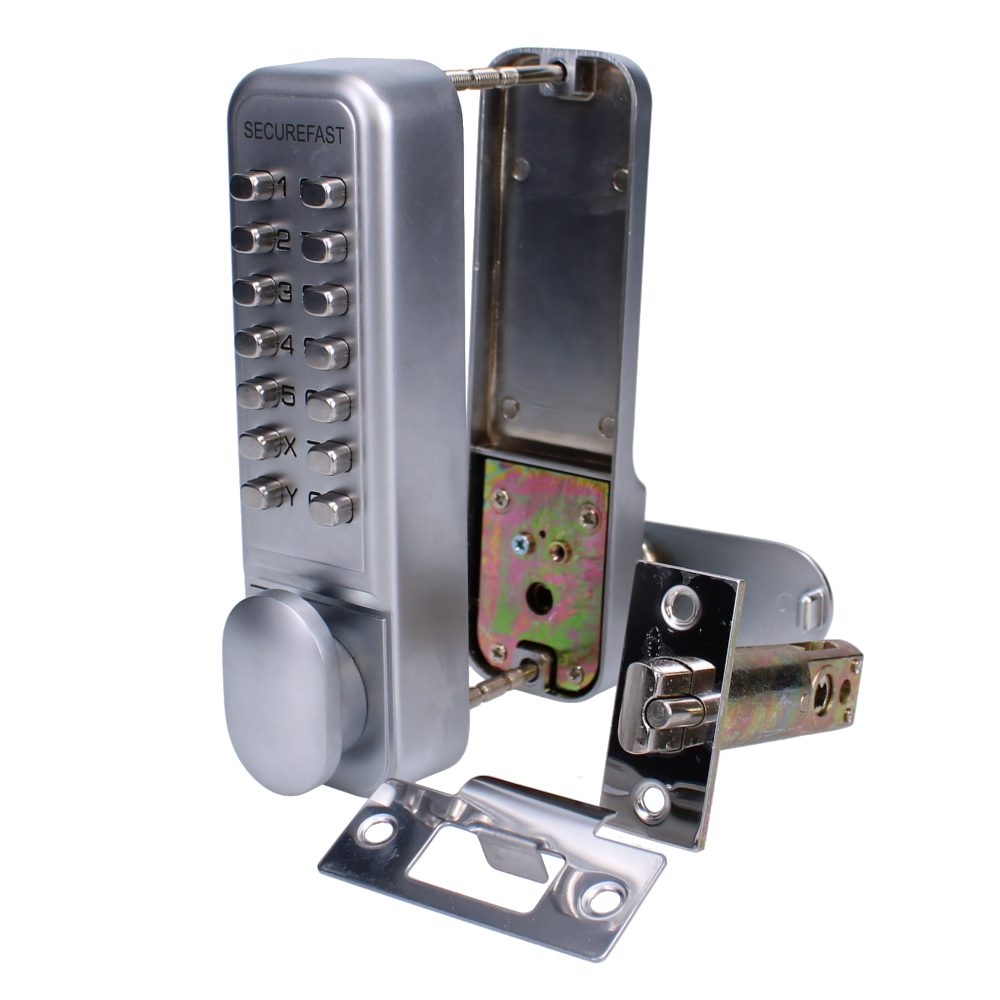
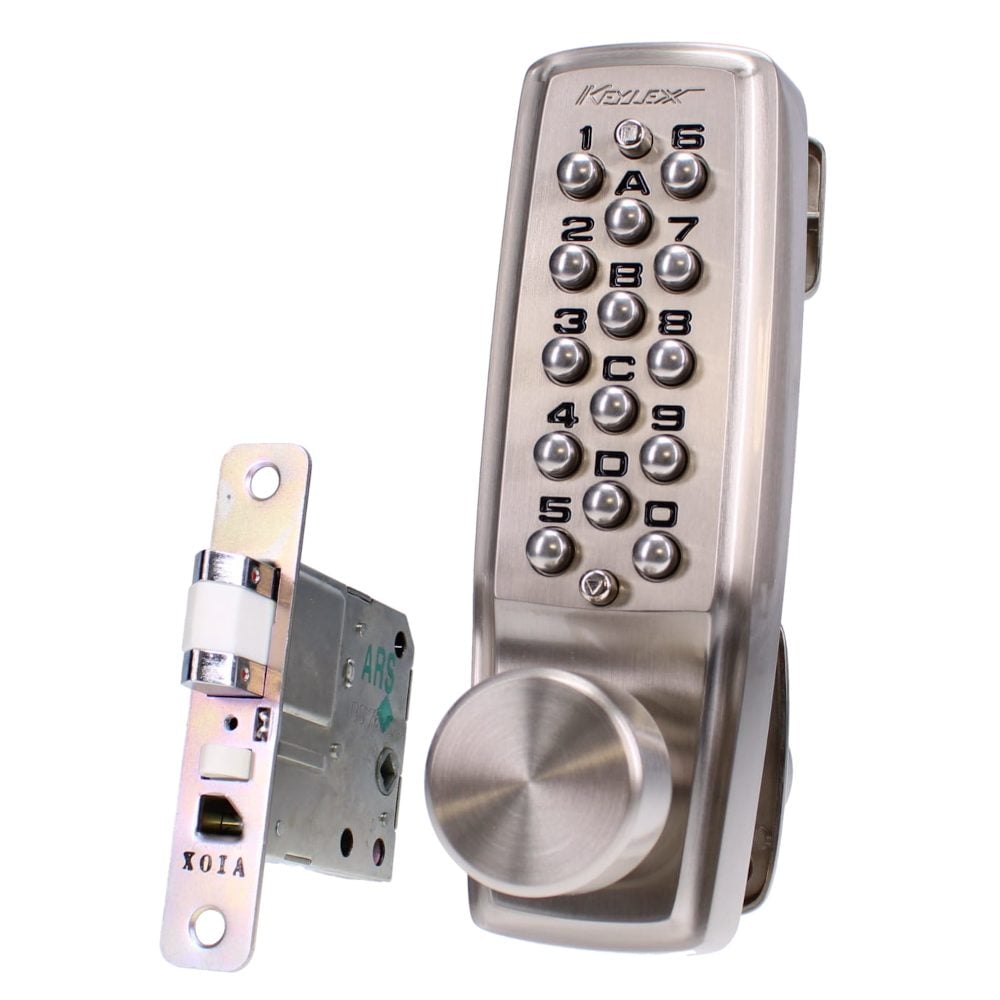
Mechanical digital and keypad access-control products for staff doors, internal stores, simple controlled areas, gates and lower-complexity keyless entry upgrades where managed electronic permissions are not required.
Credential lifecycle
Access control is a permission loop, not just a reader on a wall
A reliable access-control plan follows each person from issue to removal: identify the user, assign the right credential, read it at the door, release the correct hardware, record the event, and revoke access when trust changes.
Planning focus
Use the cards in this section to compare the practical decision points.
Decision card
Shared keypad code
- Works well when
- Simple, low cost and easy for a small trusted group.
- Watch point
- Weak when codes are shared, not changed, or used by people who should have expiry.
- Best fit
- Low-risk internal doors with a named code-change owner.
Decision card
Named fob or card
- Works well when
- Fast to issue, quick to disable and easier to audit by person.
- Watch point
- Still needs user records, lost-token process and periodic access review.
- Best fit
- Staff entrances, shared buildings, contractors and higher turnover teams.
Decision card
Mechanical or hybrid
- Works well when
- Resilient where cabling, controllers or event logs are unnecessary.
- Watch point
- Does not provide remote revocation or meaningful event history.
- Best fit
- Stores, gates, staff rooms and fallback routes in a mixed access plan.
Scannable specification logic
Choose the system by the decision it must enforce
The strongest access-control designs make the permission rule obvious before products are selected. Start with the rule, then choose the credential, reader and door hardware that can enforce it safely.
If access changes often
Use named fobs, cards or individual PINs with an administrator who can disable users quickly.
If visitors need screening
Pair door entry with controlled release so regular users and visitors follow different access plans.
If the door is an escape route
Confirm fire strategy, release behaviour, override and escape-side operation before approving hardware.
If evidence matters
Avoid shared credentials and specify named users, event logs, review responsibility and retention expectations.
Need before kit
Define the access problem before choosing hardware
Access control is used to stop unauthorised entry while keeping approved movement practical. The right system may be a simple mechanical digital lock, a standalone keypad, a card or fob reader, a door-entry release, a restricted key system or a managed electronic platform. The decision starts with the access problem, not with the reader on the wall.
- Use controlled access where keys are copied, codes are shared, doors serve many users or former keyholders may still have entry.
- Map normal routes separately from restricted routes: reception, staff entrance, stock room, server room, cleaner route, plant room, gate and rear door.
- Decide whether the priority is convenience, stronger security, visitor screening, timed access, individual accountability or fast revocation.
- Keep low-risk doors mechanical where electronics add cost without improving control, and reserve managed electronic access for doors that need schedules or audit.
Credential choice
Keypads, fobs, cards and tokens
Credentials decide how users prove permission. Keypads are simple, cards and fobs are easy to issue, tokens can be assigned to individuals, and some systems support mobile credentials. The operational difference is how quickly access can be changed when someone leaves, loses a credential or only needs temporary access.
- Shared keypad codes suit low-risk doors only when there is a reliable code-change routine after staff, tenant or contractor changes.
- Individual PINs improve accountability compared with one shared code, but still depend on users not sharing credentials informally.
- Cards and fobs are easier to disable one by one, making them useful for larger teams, shift workers, cleaners and managed buildings.
- Temporary contractor tokens should have an owner, expiry date, return process and fallback rule if the token is not returned.
Door stack
Door hardware, releases and physical reliability
Access-control installation is more than fitting a reader. The door still has to close, latch, lock, release and resist misuse. Electric strikes, electric releases, maglocks, electronic locks, gate releases and mechanical digital locks all behave differently during traffic, faults, power failure and forced entry.
- Check the door leaf, frame, keep, hinges, closer, latch alignment, glazing, weather exposure and fixing strength before selecting release hardware.
- Use electric strikes or electric releases where the latch needs to release from the frame; check fail-secure, fail-safe and escape behaviour carefully.
- Use maglocks only where the door, frame, monitored release and emergency controls are appropriate for the risk and escape route.
- Do not use access control to mask a failing closer, warped door, weak frame, damaged keep or misaligned lock; repair the opening first.
Evidence and ownership
Audit trails, staff access and contractor control
Electronic access control becomes most valuable when the site needs named users, timed permissions and records of access events. Audit trails can support incident review and management checks, but they only help when credentials are issued to individuals and administrators keep user records current.
- Give staff individual credentials where access history, role separation or fast removal matters.
- Use schedules for cleaners, contractors, deliveries and out-of-hours teams instead of leaving permanent all-hours access in place.
- Define who may create users, disable users, issue tokens, review events and approve temporary access.
- Treat audit trails as operational evidence, not a substitute for CCTV, supervision, visitor logs or a clear security policy.
Escape remains simple
Emergency override, fire and escape compatibility
Any controlled door that sits on an escape route must be specified around life safety as well as security. Powered locking, door-entry release and electronic permissions must not trap occupants or conflict with the fire strategy, door certification, emergency lighting, panic hardware or management responsibilities.
- Confirm whether the door is a fire door, final exit, communal escape route, flat entrance, public entrance or staff-only internal door.
- Specify emergency break-glass, request-to-exit, manual override, fail-safe or fail-secure behaviour according to the door role and risk assessment.
- Check how the door behaves during fire alarm activation, power loss, controller fault and network outage before installation is approved.
- Keep escape-side operation simple and reliable; security on entry should not make emergency exit confusing or dependent on a credential.
Mixed estates
Mechanical, electronic or hybrid access
Mechanical and electronic access control are not competitors in every situation. Many buildings work best with a mixed plan: mechanical digital locks for simple low-risk doors, restricted keys or master keys for resilient mechanical control, and electronic access where schedules, revocation and audit trails justify the extra infrastructure.
- Choose mechanical digital locks for simple staff doors, cupboards, stores, gates and internal restricted areas where no cabling, audit trail or remote administration is needed.
- Choose electronic access for high-traffic doors, shared entrances, staff turnover, contractor windows, event logs, timed access and fast credential removal.
- Keep mechanical override and key hierarchy coherent where electronic doors still need emergency access, maintenance access or fallback entry.
- Consider door entry where visitors need to call for release, and access control where regular users need credentials.
Survey to maintenance
Survey inputs and maintenance planning
A useful access-control survey records how the site actually works. The survey should cover openings, people, permissions, hardware condition, cabling, power, fire interfaces, external exposure, user administration, maintenance responsibilities and expected future changes.
- Prepare a door list with photos, dimensions, material, handedness, frame type, current lock, closer condition, escape role and known faults.
- Prepare a user list by group: staff, management, residents, cleaners, contractors, deliveries, reception, security and emergency access holders.
- Record operating hours, shift patterns, holiday routines, out-of-hours access, delivery windows and doors that are frequently propped open.
- Plan maintenance for batteries, power supplies, readers, keypads, door closers, release alignment, user records, event-log review and periodic emergency-release testing.
FAQs
Access Control FAQs
Short answers for separating product research, fitting, survey and urgent callout work.
When is a keypad enough for access control?
A keypad can be enough for a low-risk door with a small trusted user group, no audit requirement and a reliable code-change process. It is weaker where many users share one code, staff turnover is high or contractors need temporary access.
Are fobs and cards better than PIN codes?
Fobs and cards are usually easier to remove individually, so they suit larger teams and managed buildings. PINs can still work well when each user has an individual code and administrators remove old users promptly.
Do electric releases work with any door?
No. The door leaf, frame, latch, keep, closer, escape route, fire role, power route and fault behaviour all affect whether an electric strike, maglock, electronic lock or mechanical option is suitable.
Should access control unlock during a fire alarm?
That depends on the door role and fire strategy. Escape-side operation must remain safe and understandable, and powered locking should be specified with the correct emergency release, override and fail-safe or fail-secure behaviour for the opening.
When are audit trails worth specifying?
Audit trails are worth specifying for higher-risk doors, staff-only areas, shared buildings, sensitive rooms, contractor access and incident review. They are only meaningful when credentials are issued to named users and user records are kept current.
Where do mechanical digital locks fit?
Mechanical digital locks fit straightforward doors where keyless entry is useful but cabling, remote management, schedules and audit trails are not needed. They can be a practical choice for stores, staff rooms, gates and internal controlled areas.
What information helps an access-control survey?
Prepare door photos, current lock details, fire-door status, user groups, opening hours, contractor routines, access problems, lost-key history, code-sharing concerns, desired audit needs and any doors that are propped open or fail to close reliably.
Installation and emergency support
Need access control installation handled by our team?
Call for locksmith callouts, vehicle keys, safes, grilles, shutters, CCTV, alarms, access control, fire doors, and installation work. Share the postcode, photos, urgency and any product details so the job can be routed cleanly.
Call our team
01296 925335