Key cutting
Order keys cut to code
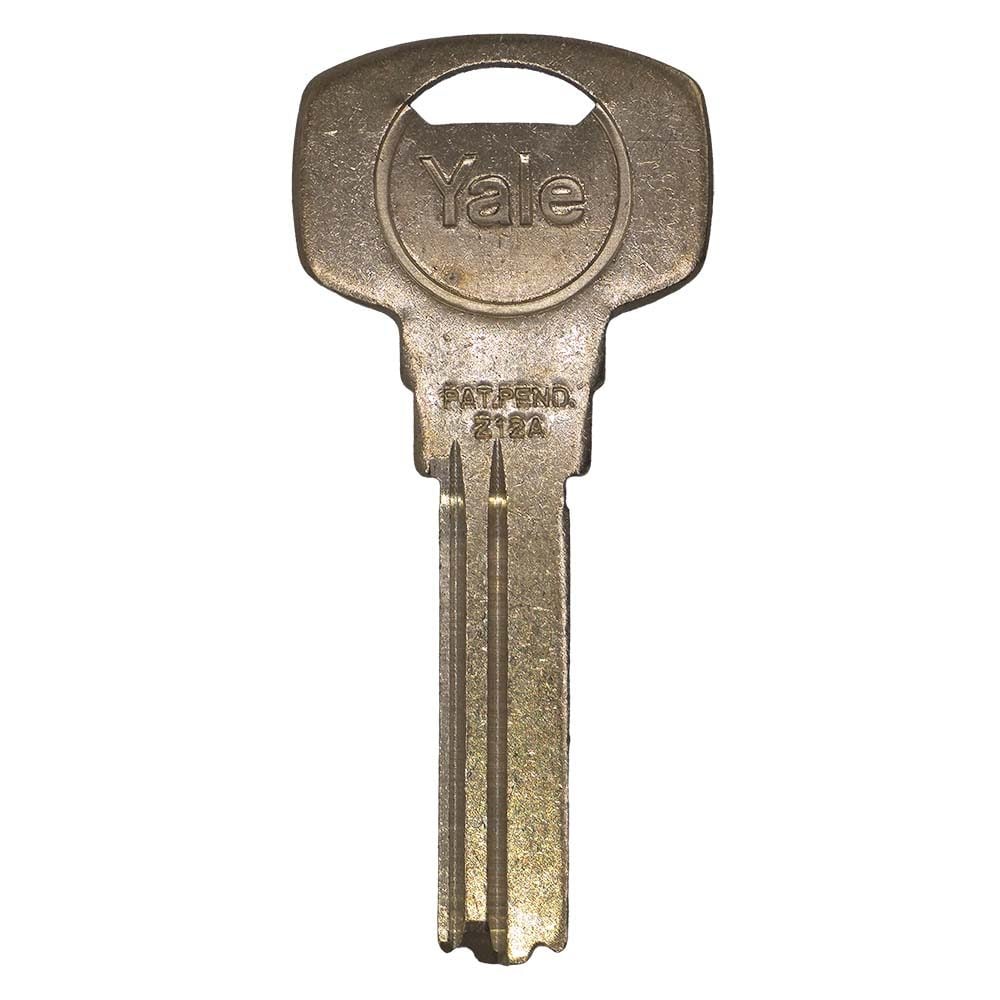
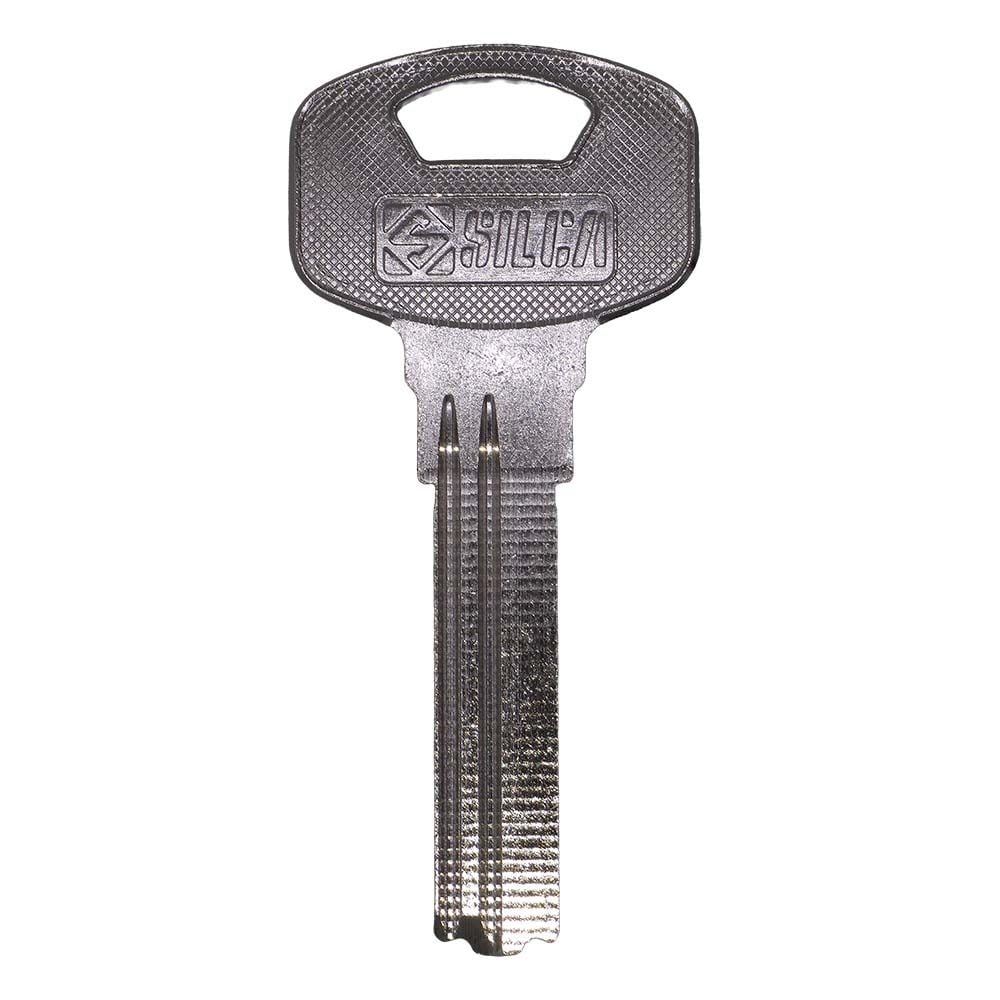
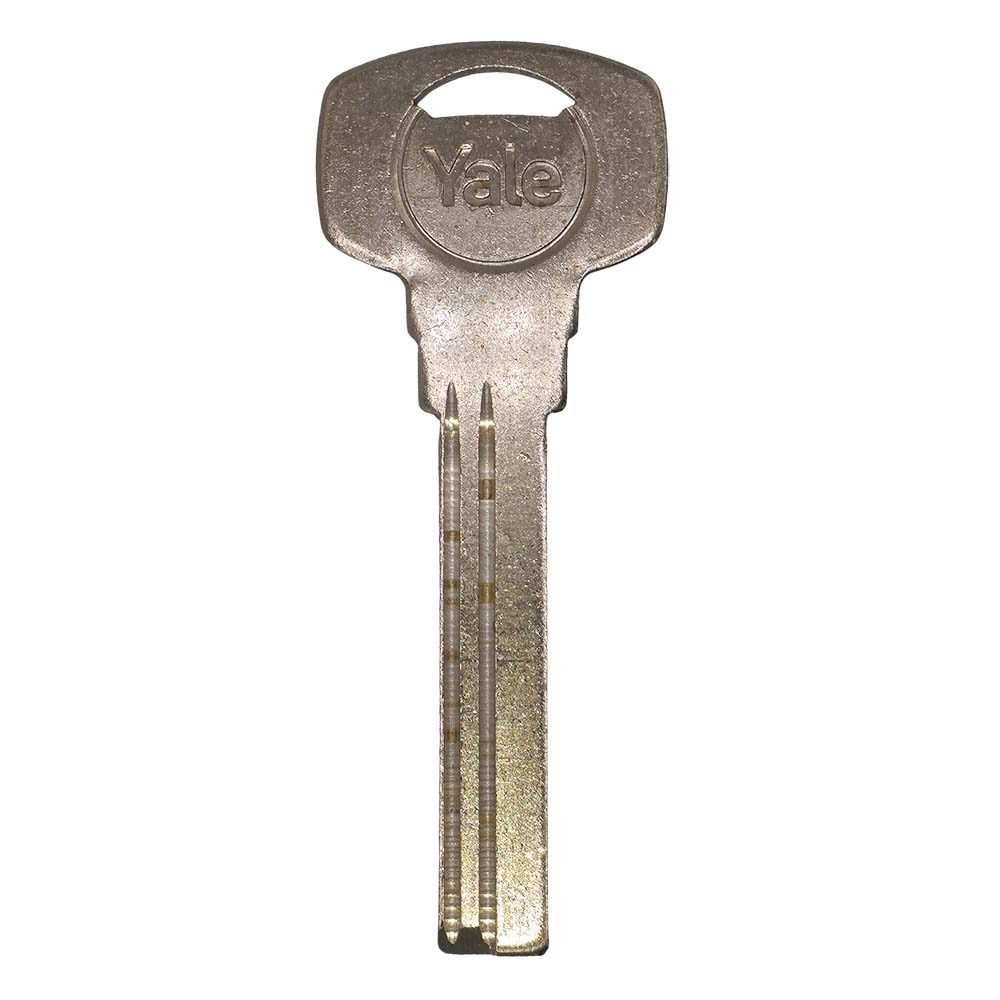
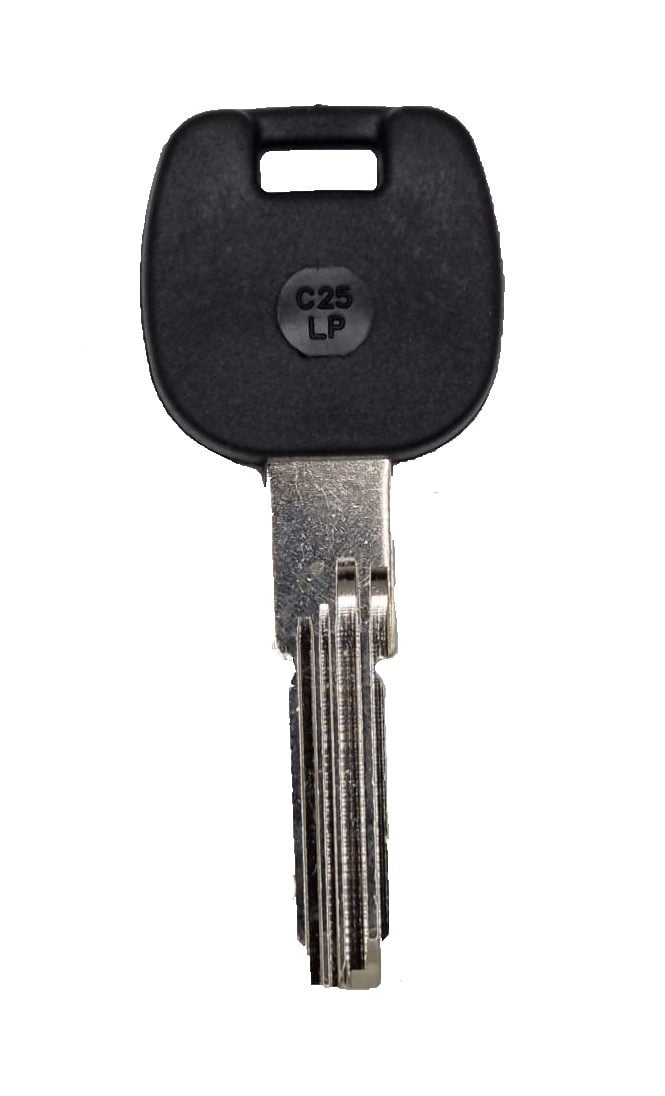
Choose the brand printed on your key, select the matching blank and enter the code when you add it to your basket.
Step 1. Choose your brand
This narrows the list to compatible keys.
Don’t know your key code?
Upload a photo and we’ll identify it through our key decoding service.
Precision-cut and checked before dispatch
Every key is guaranteed to work. If we cut it incorrectly, we’ll re-cut it free of charge.

Master locksmiths with BSI accreditation
MLA approved locksmiths, BSI certified key systems, and independently audited security standards.
Step 2. Choose your key
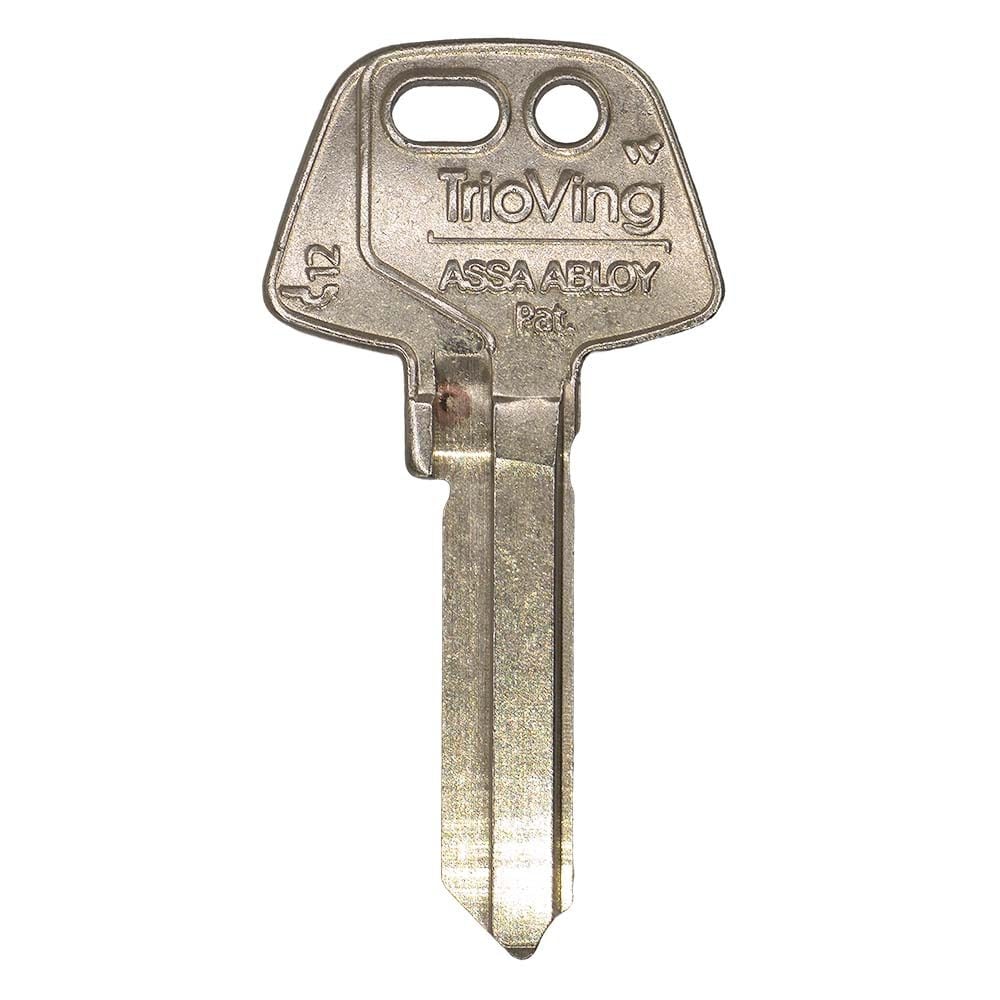
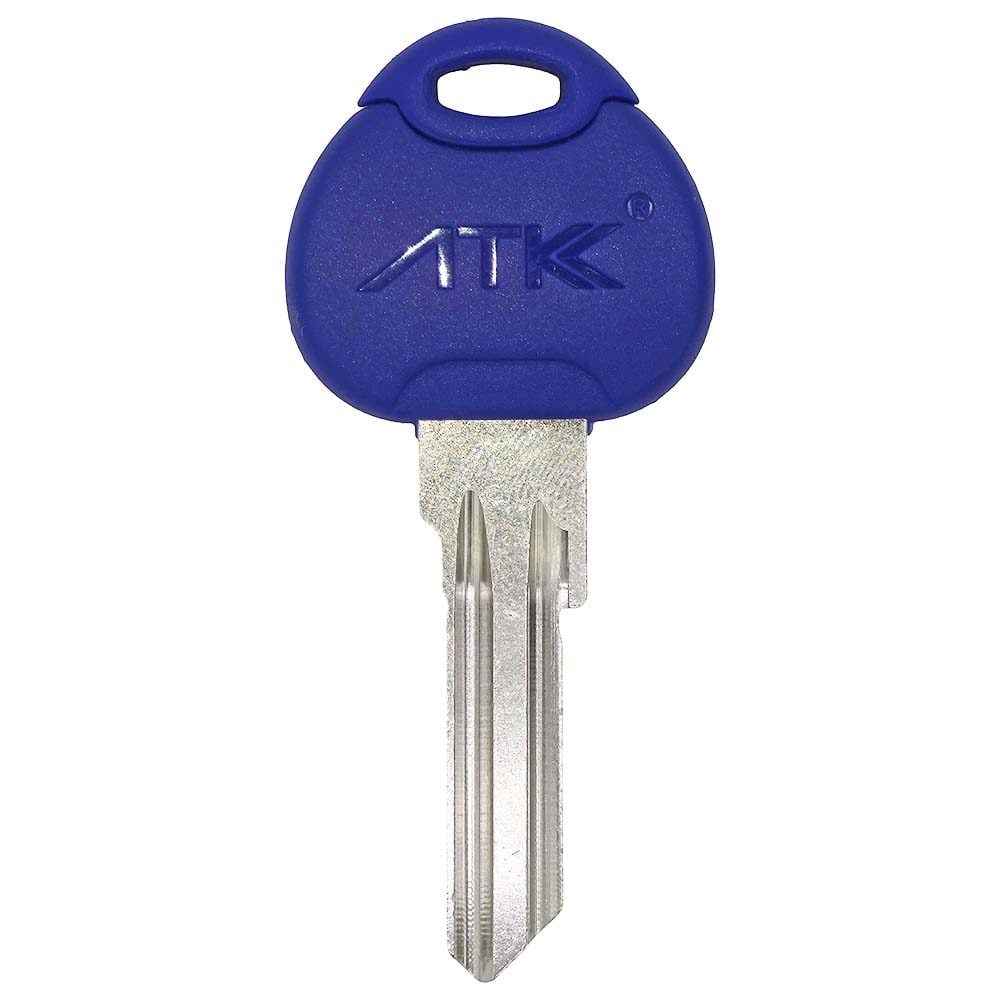
Select the matching key to enter its code and quantity.
options
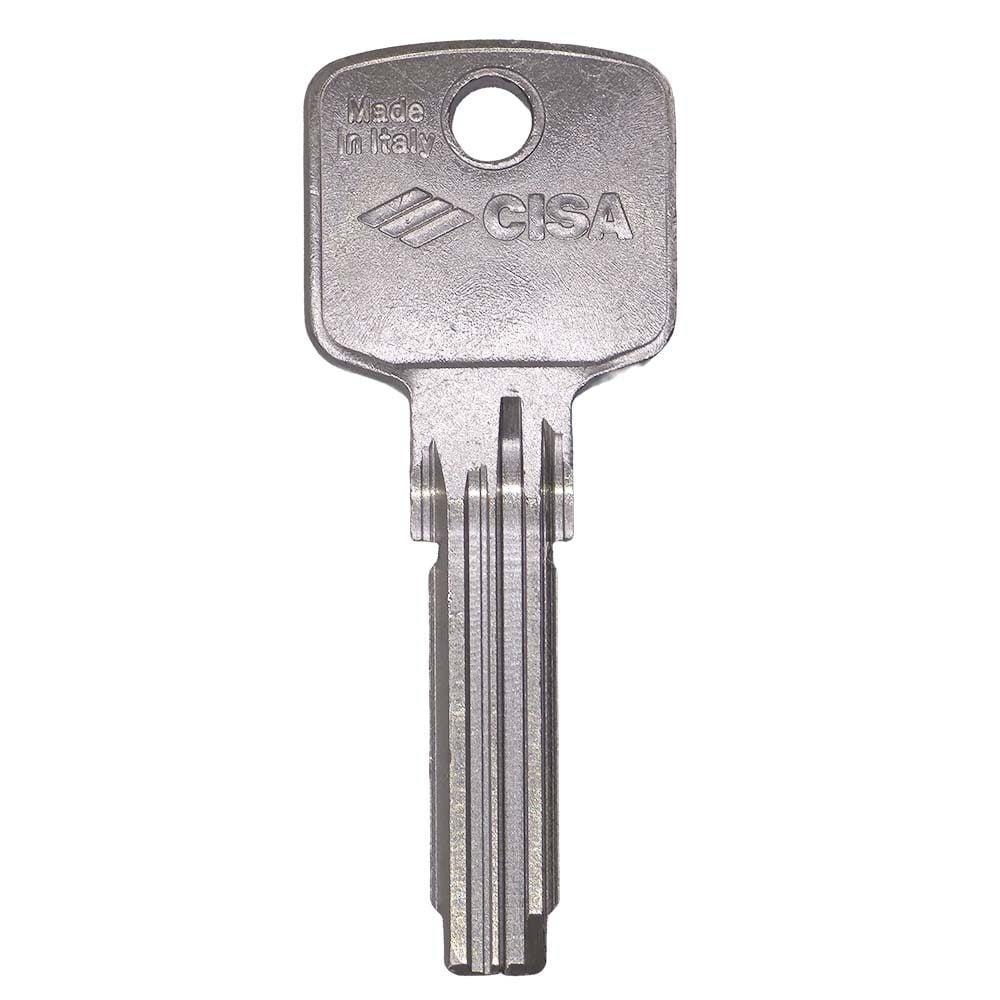
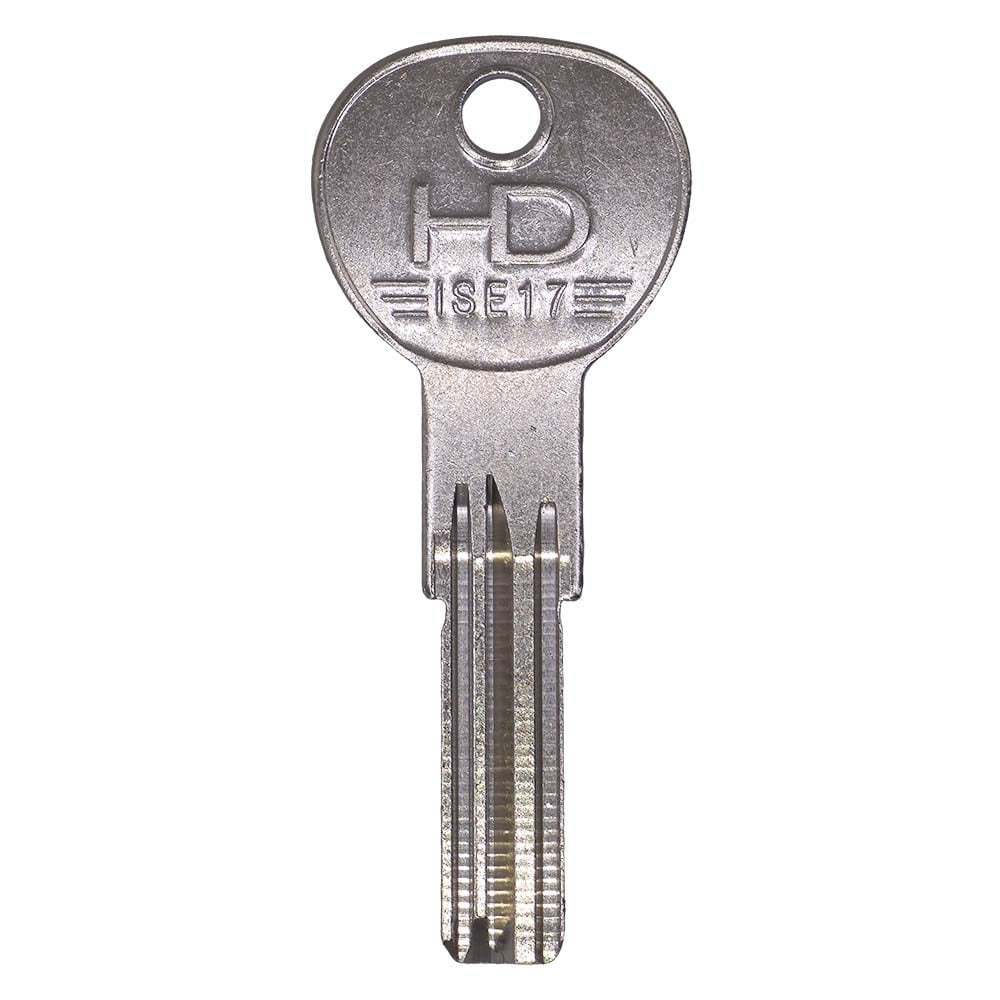
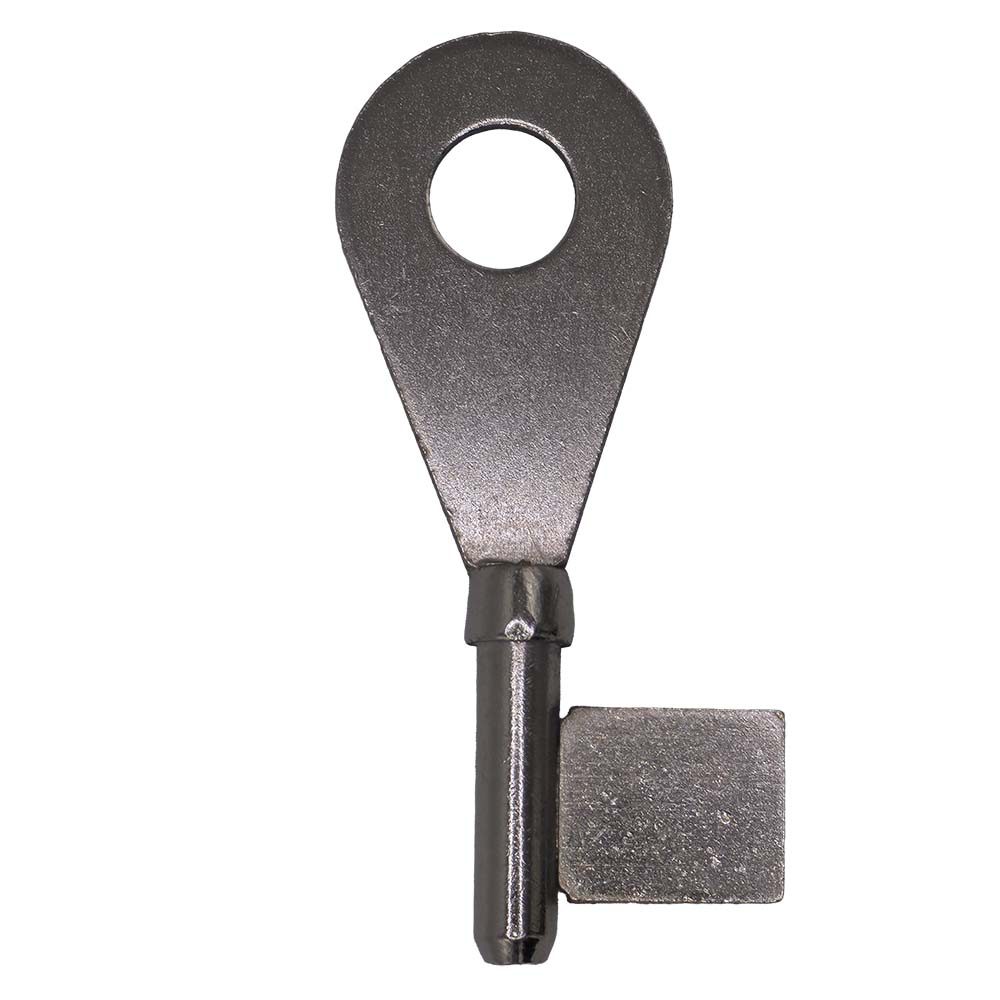
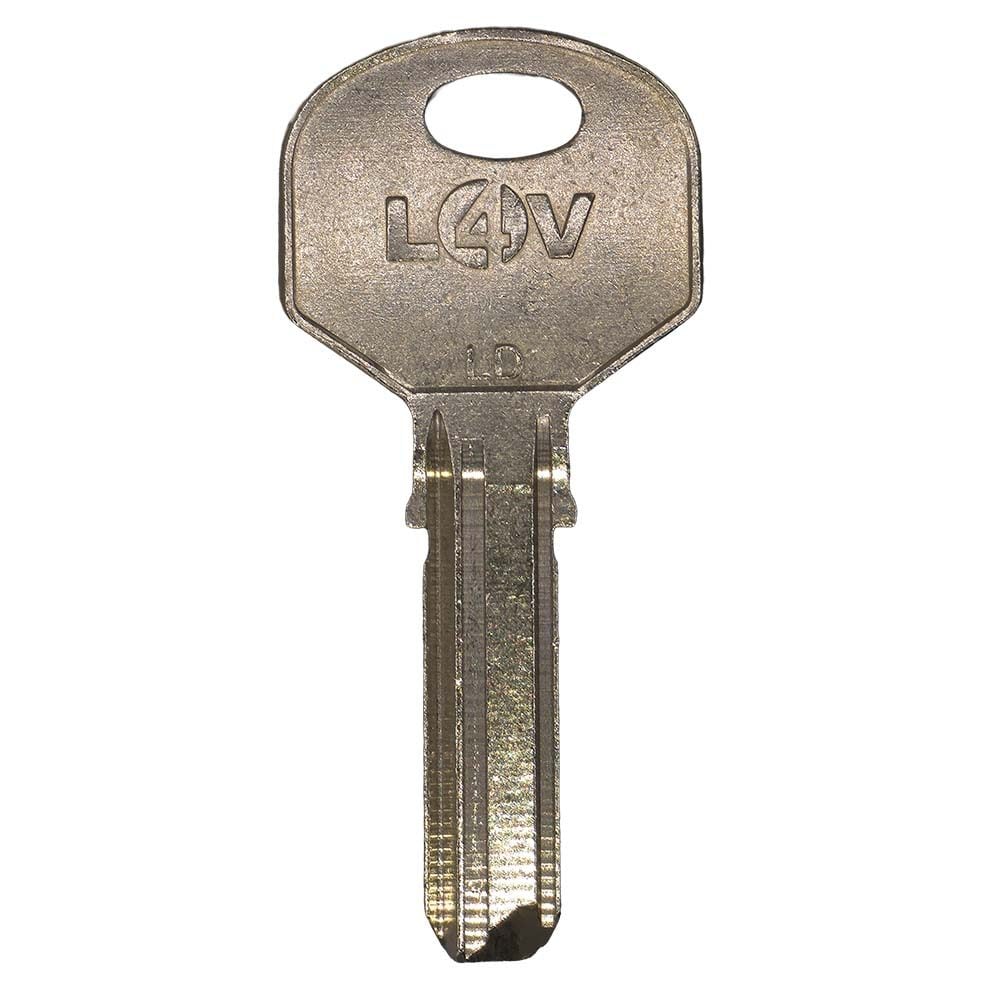
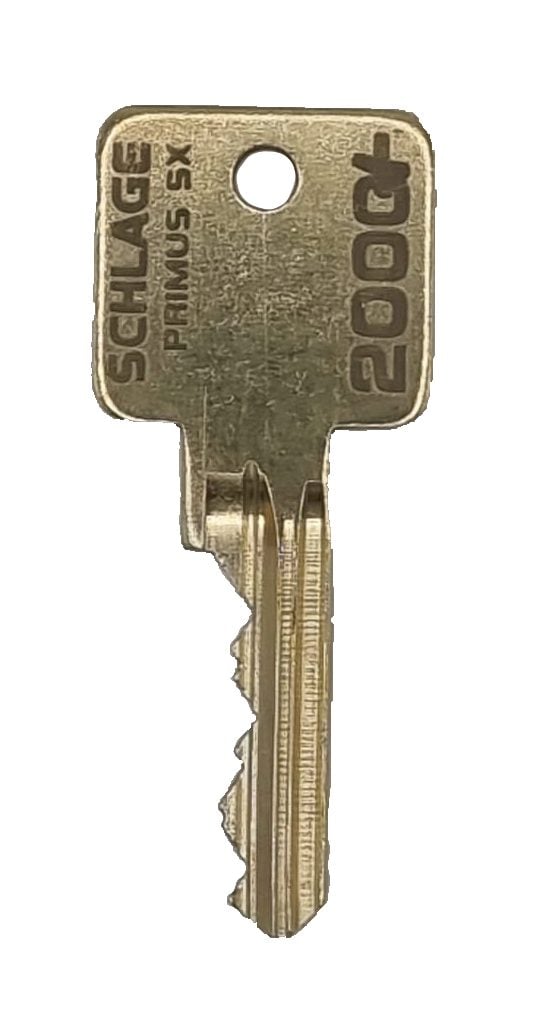
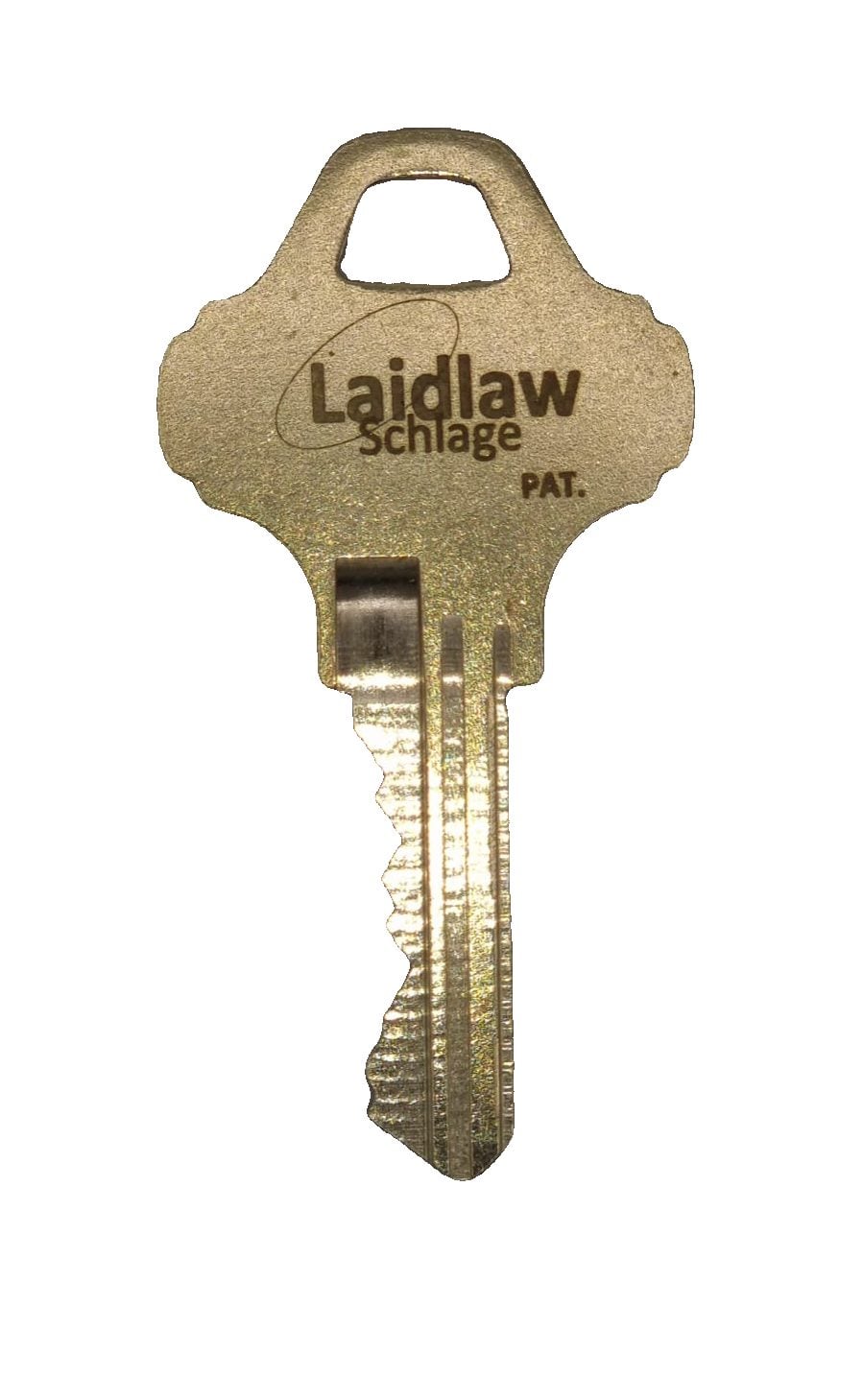
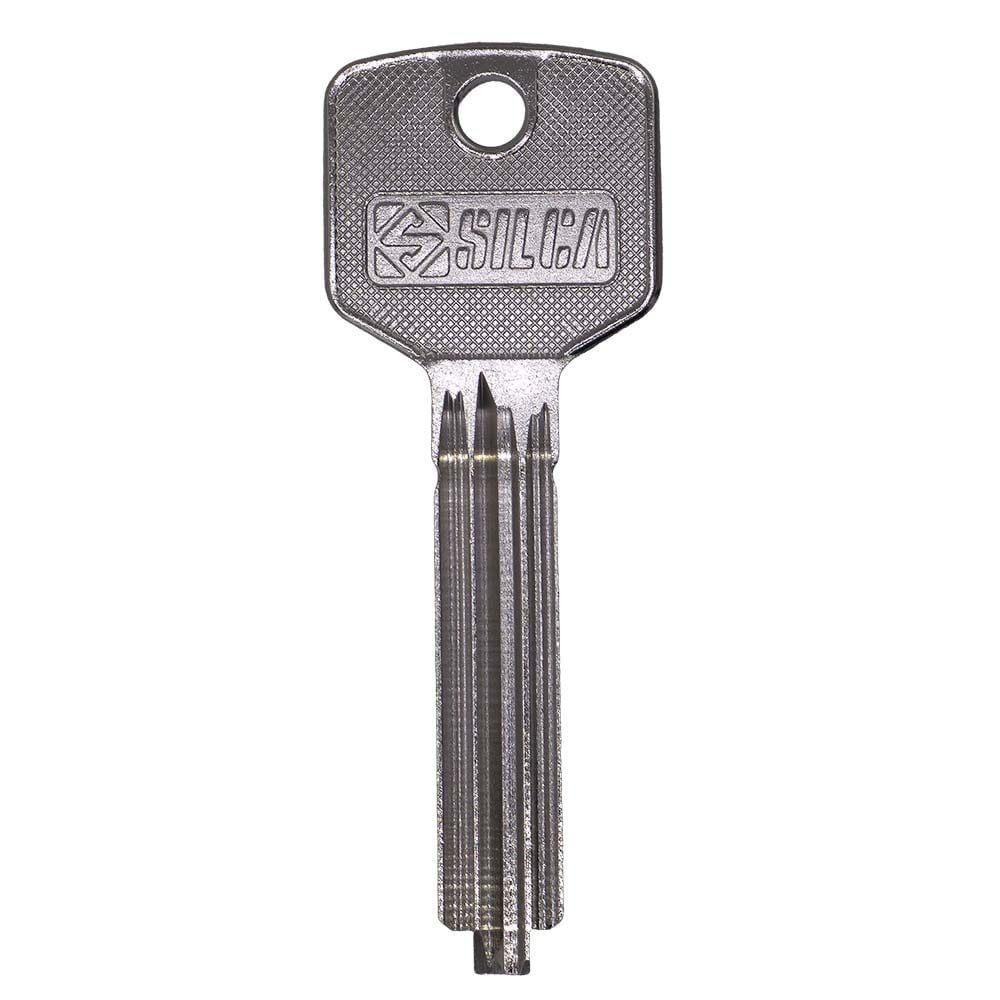
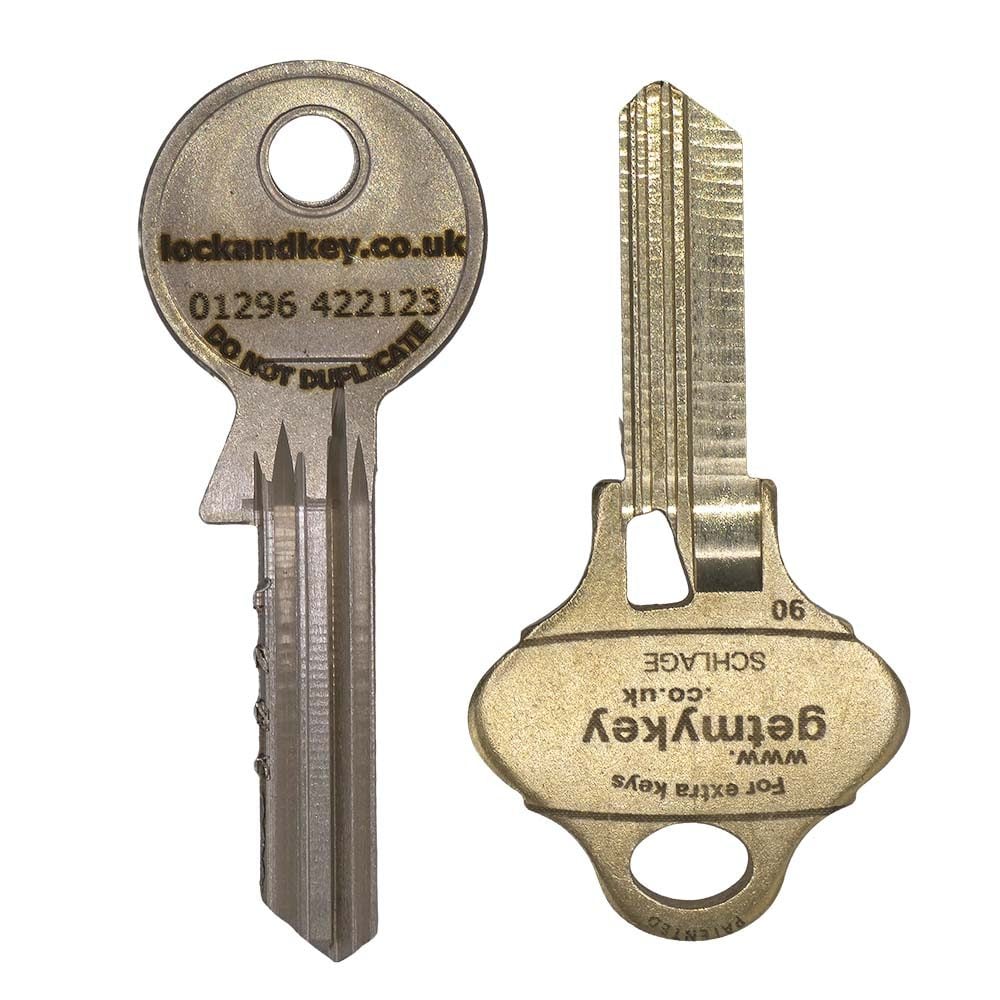
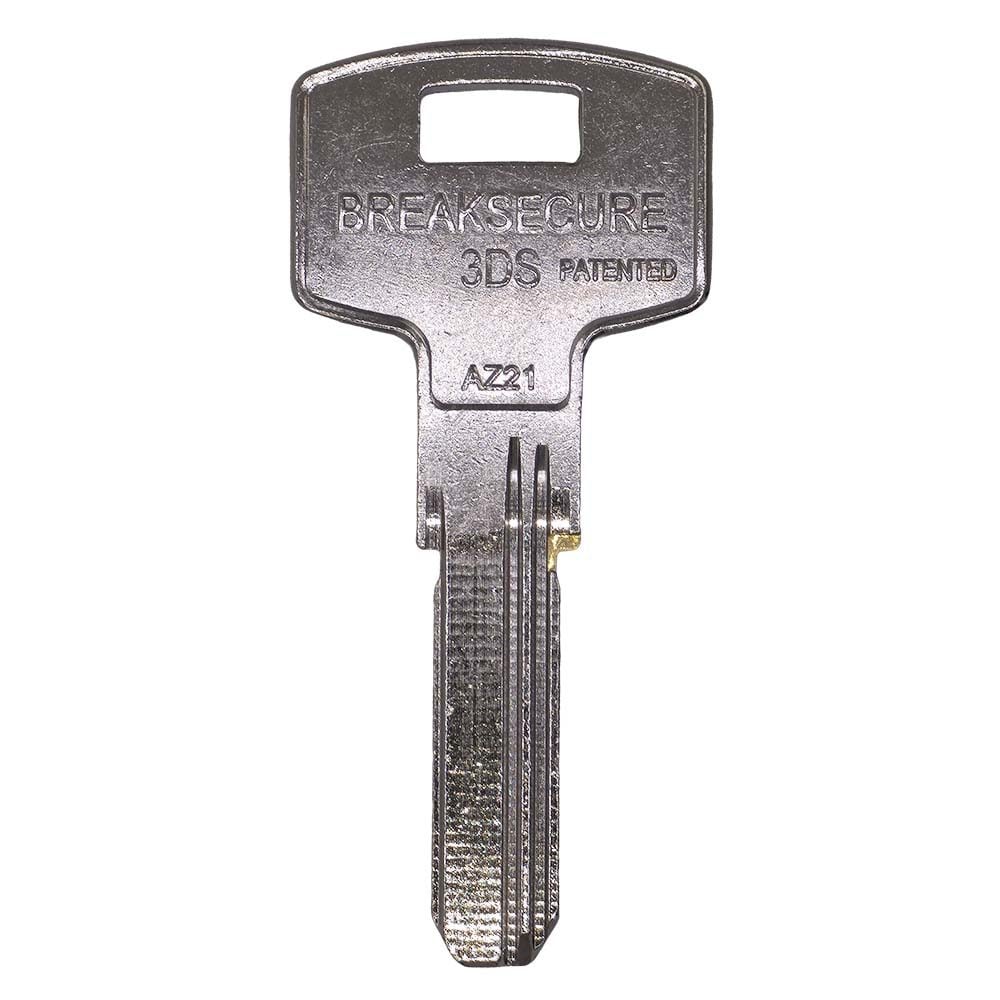
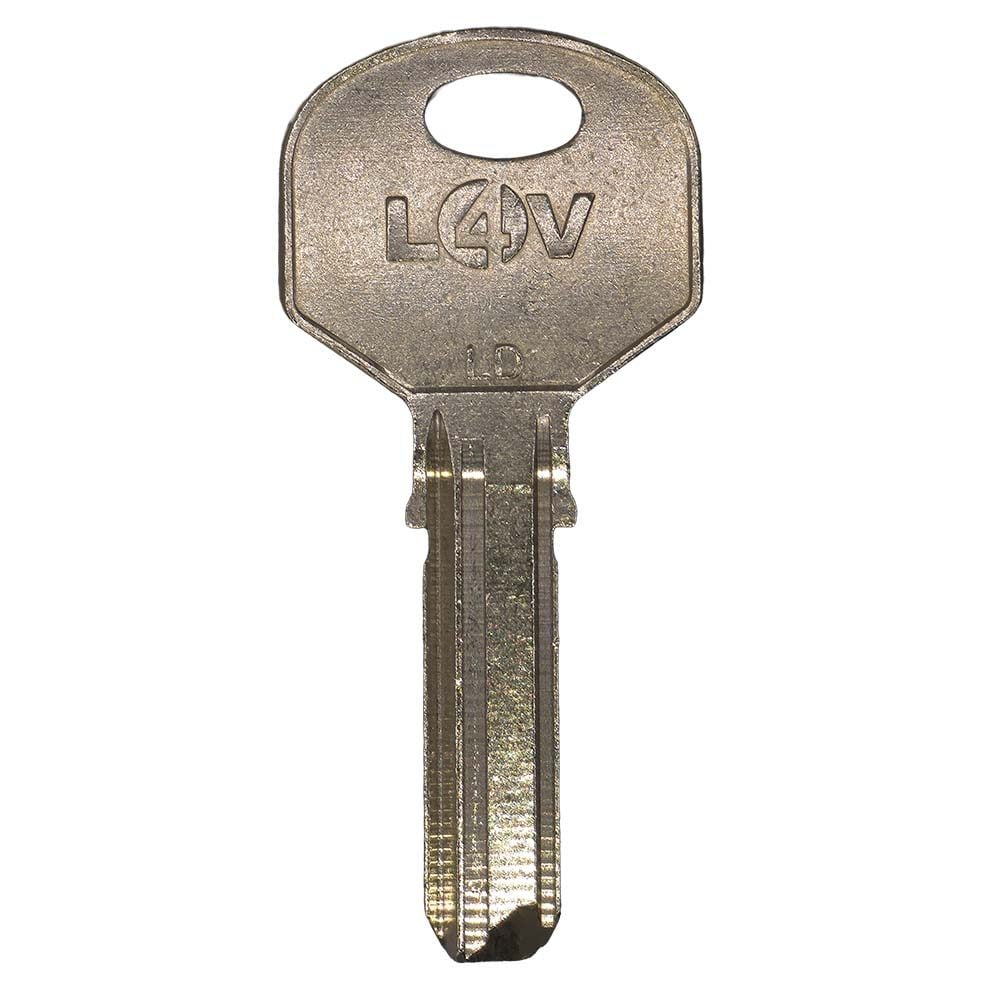
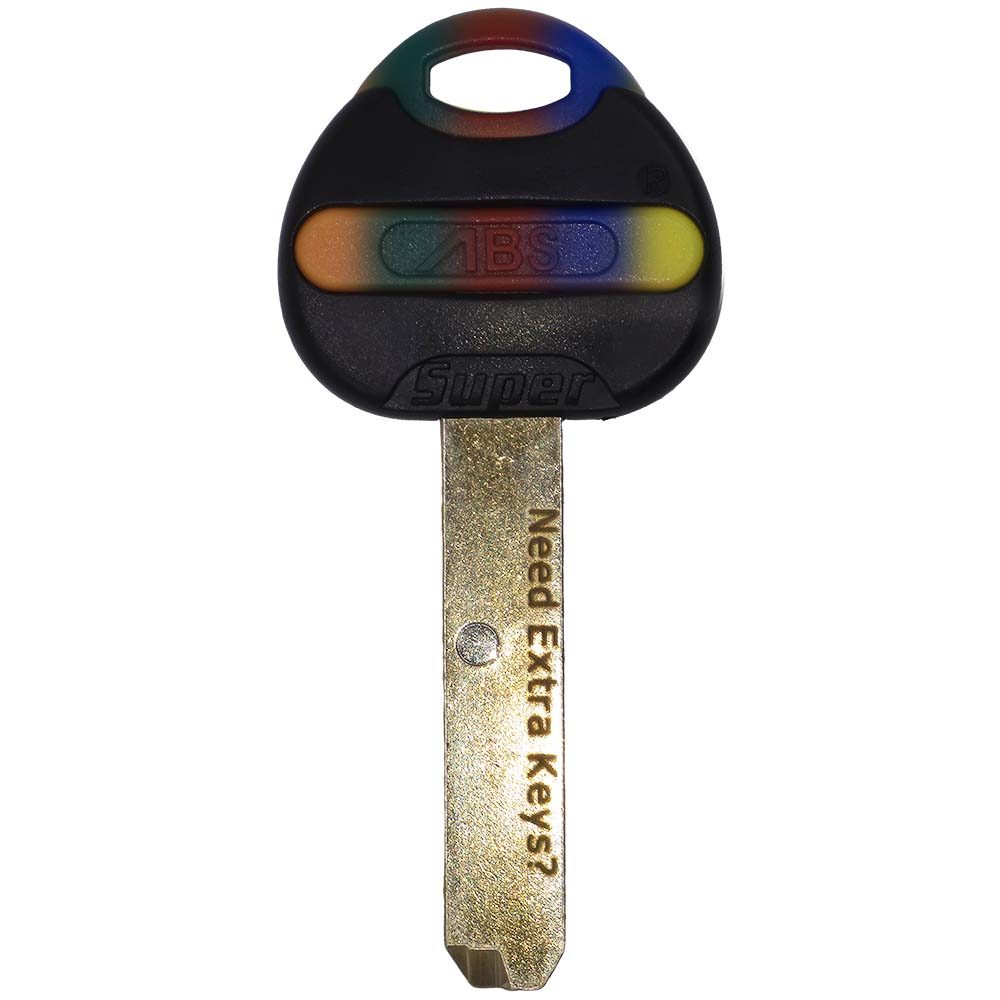
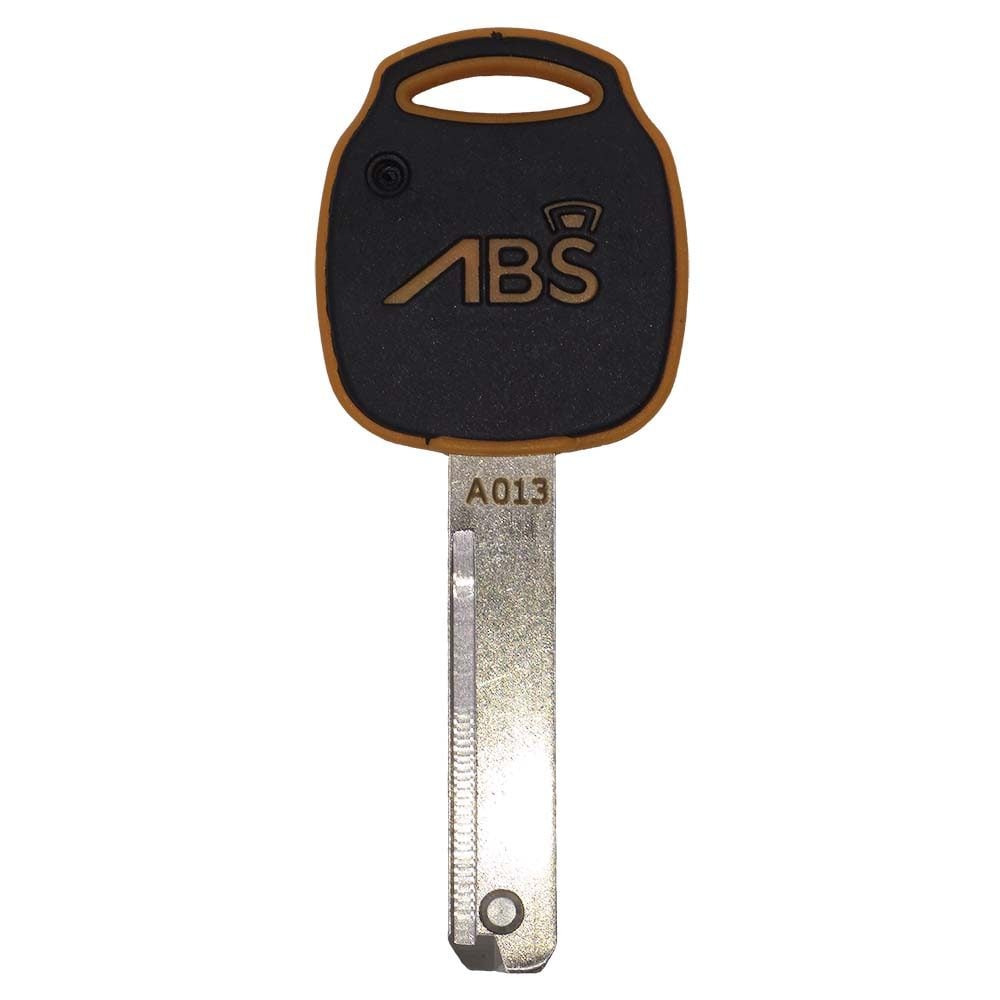
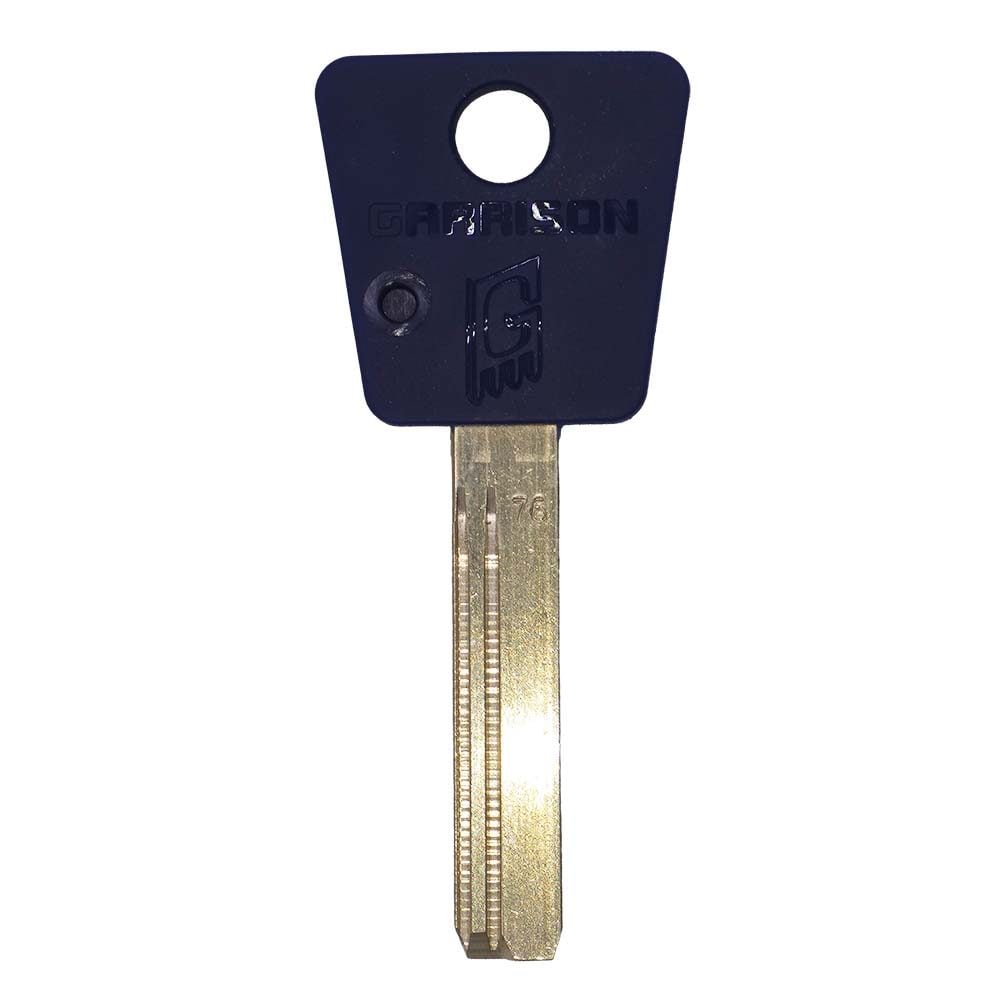
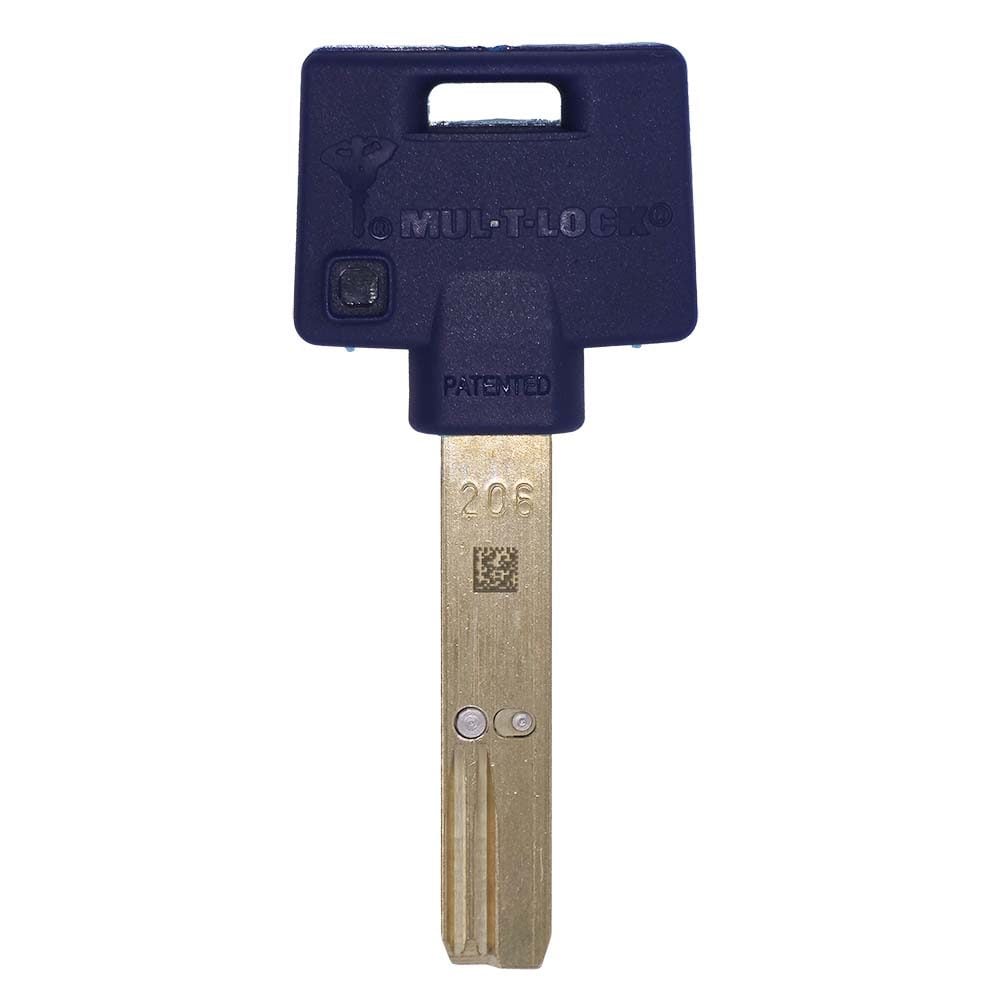
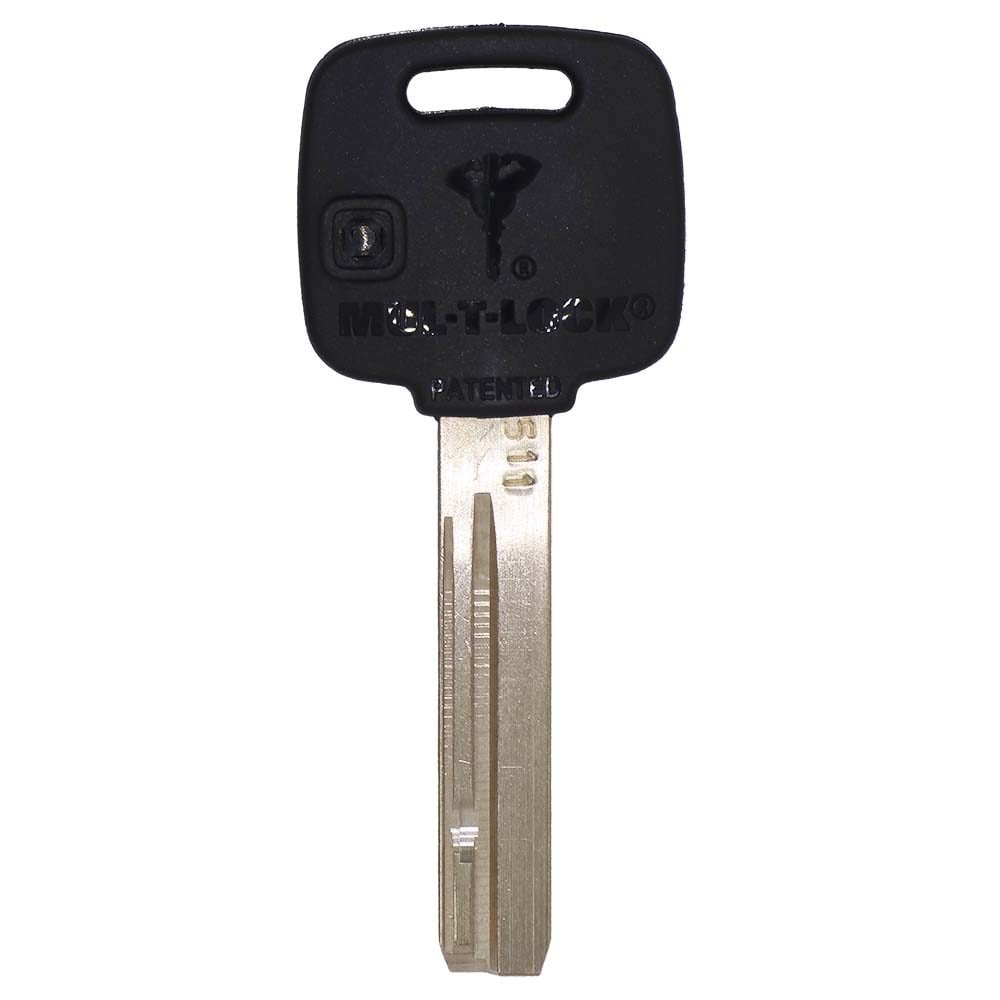
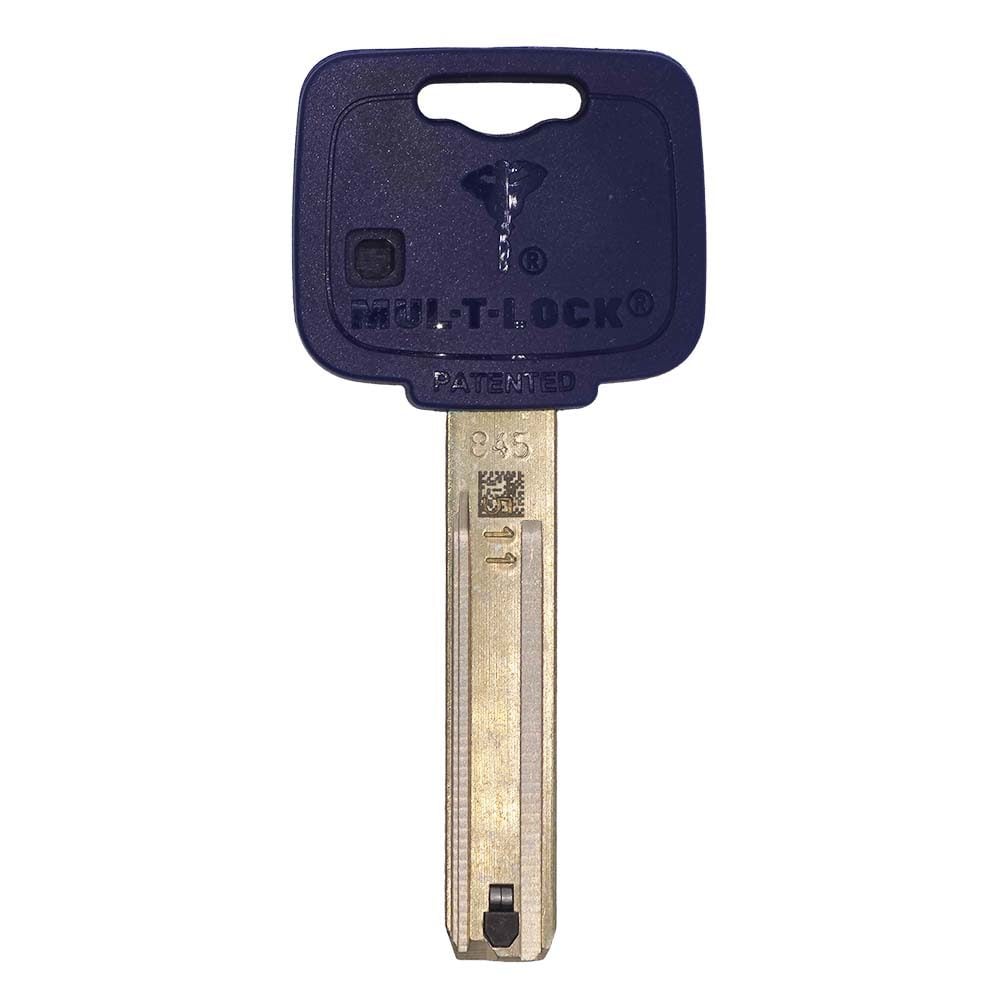
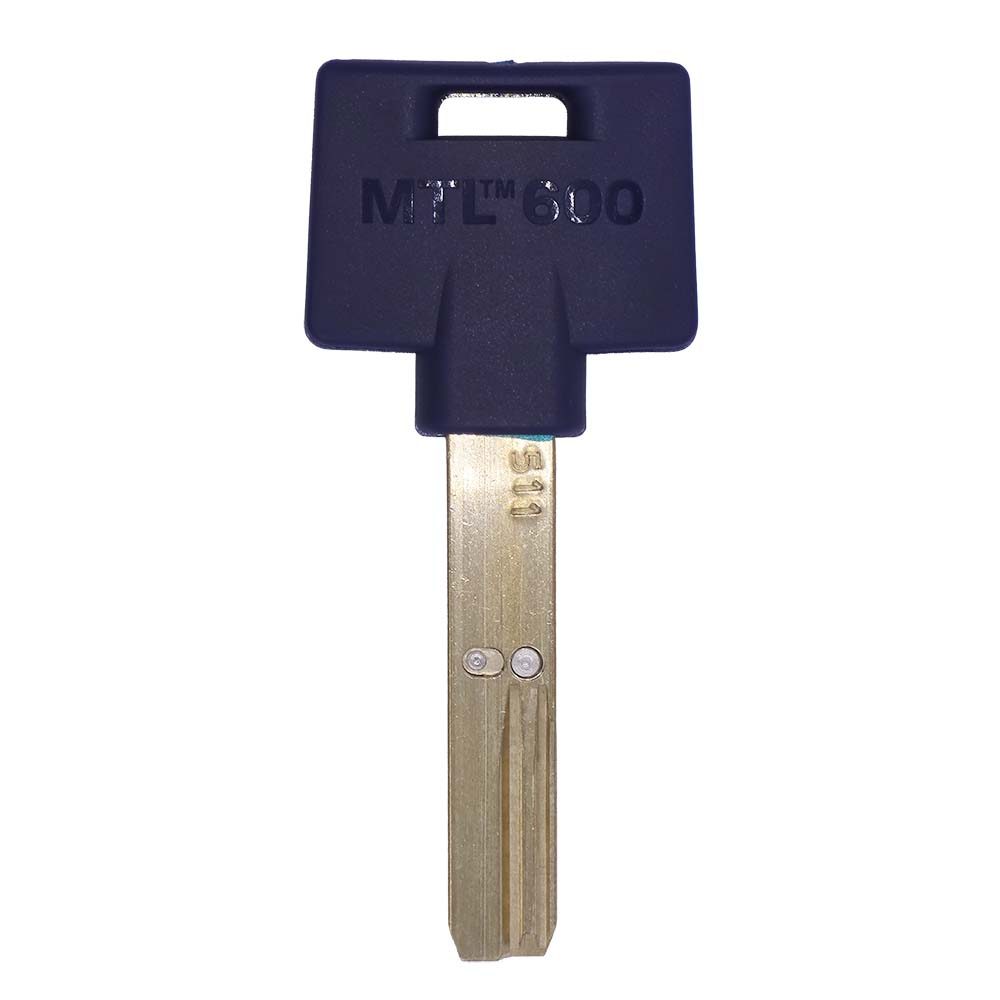
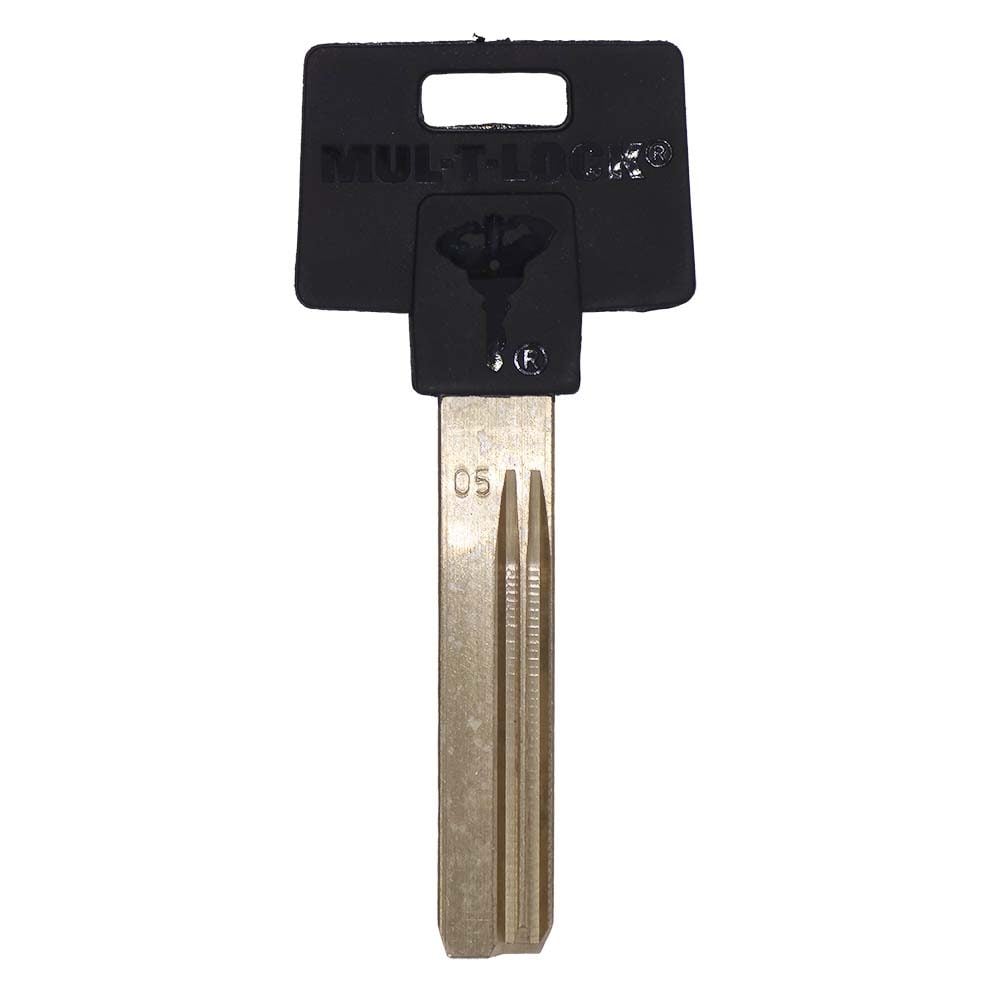
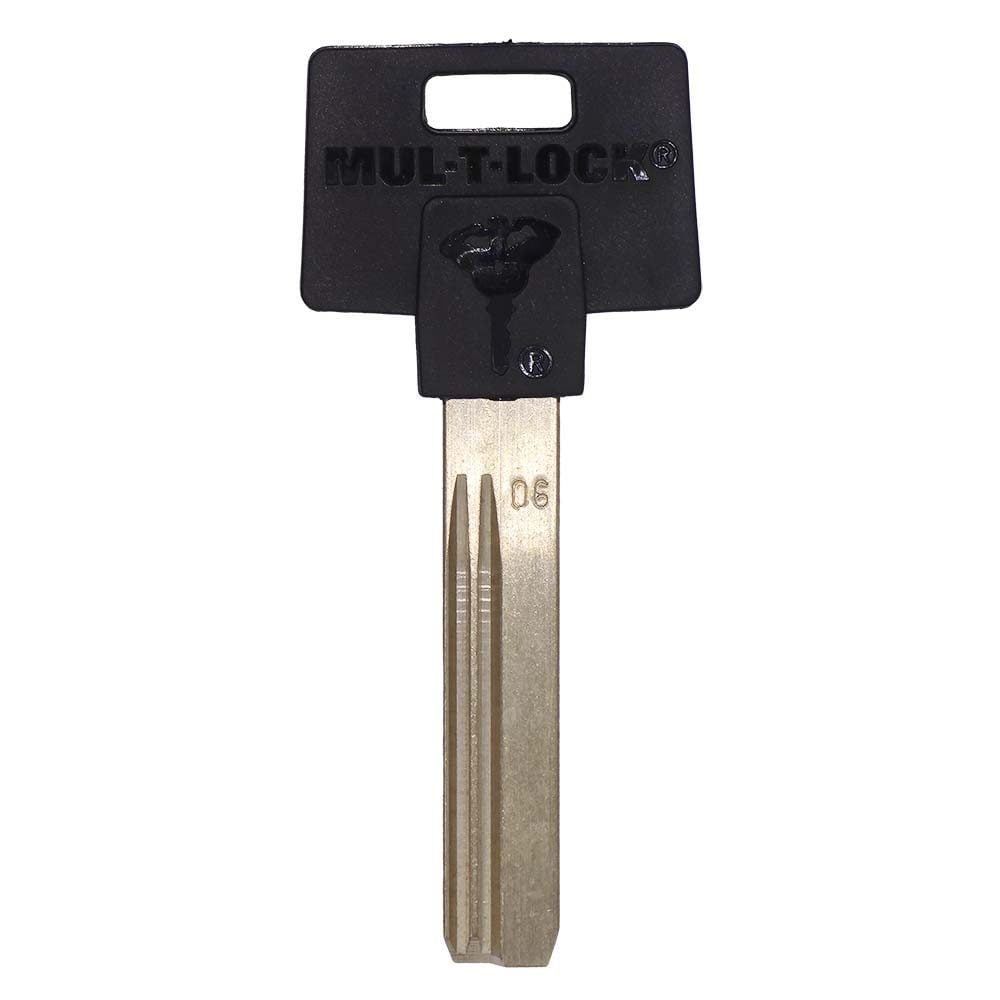
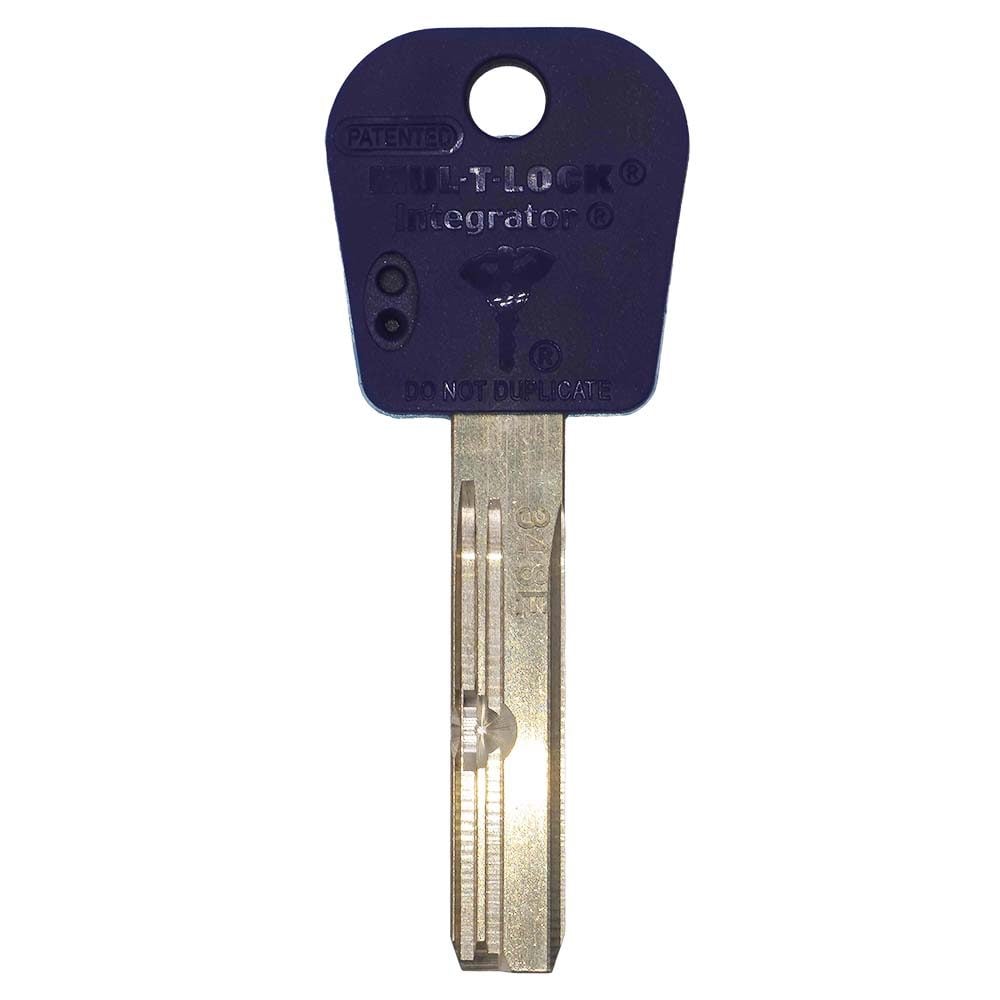
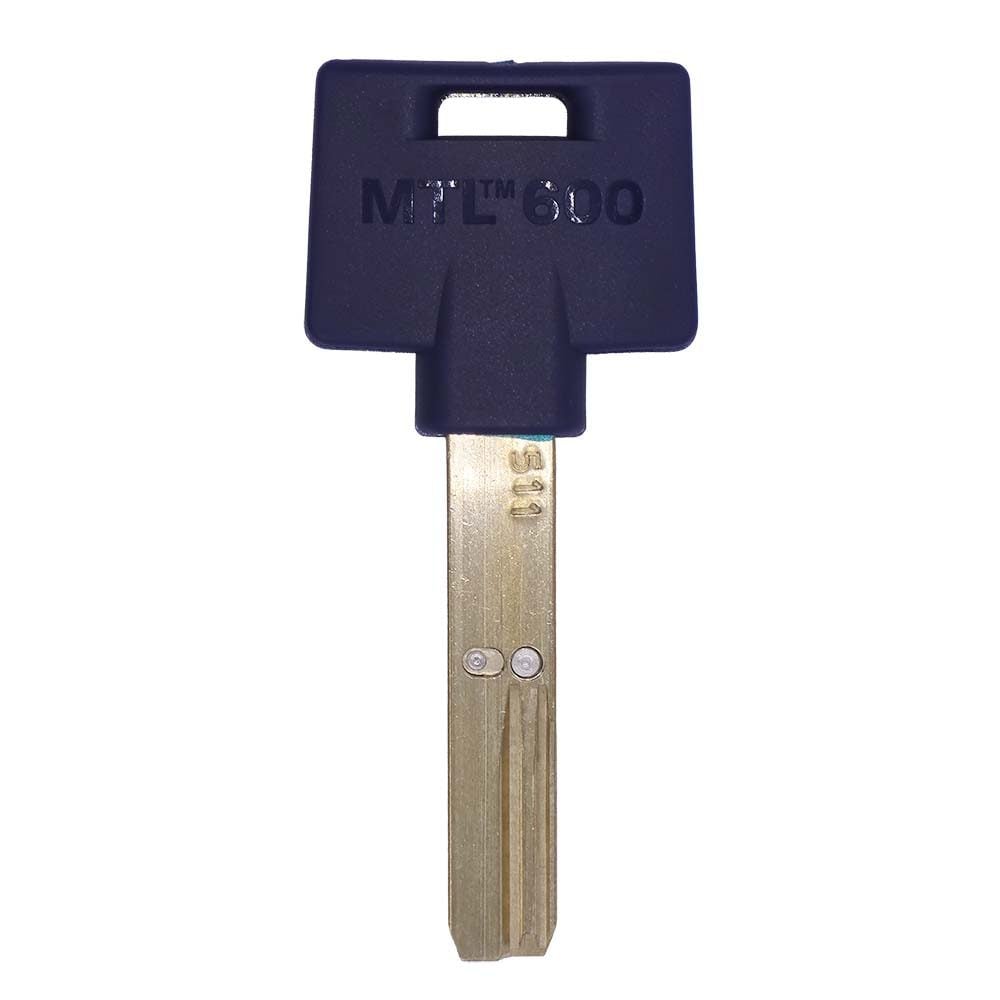
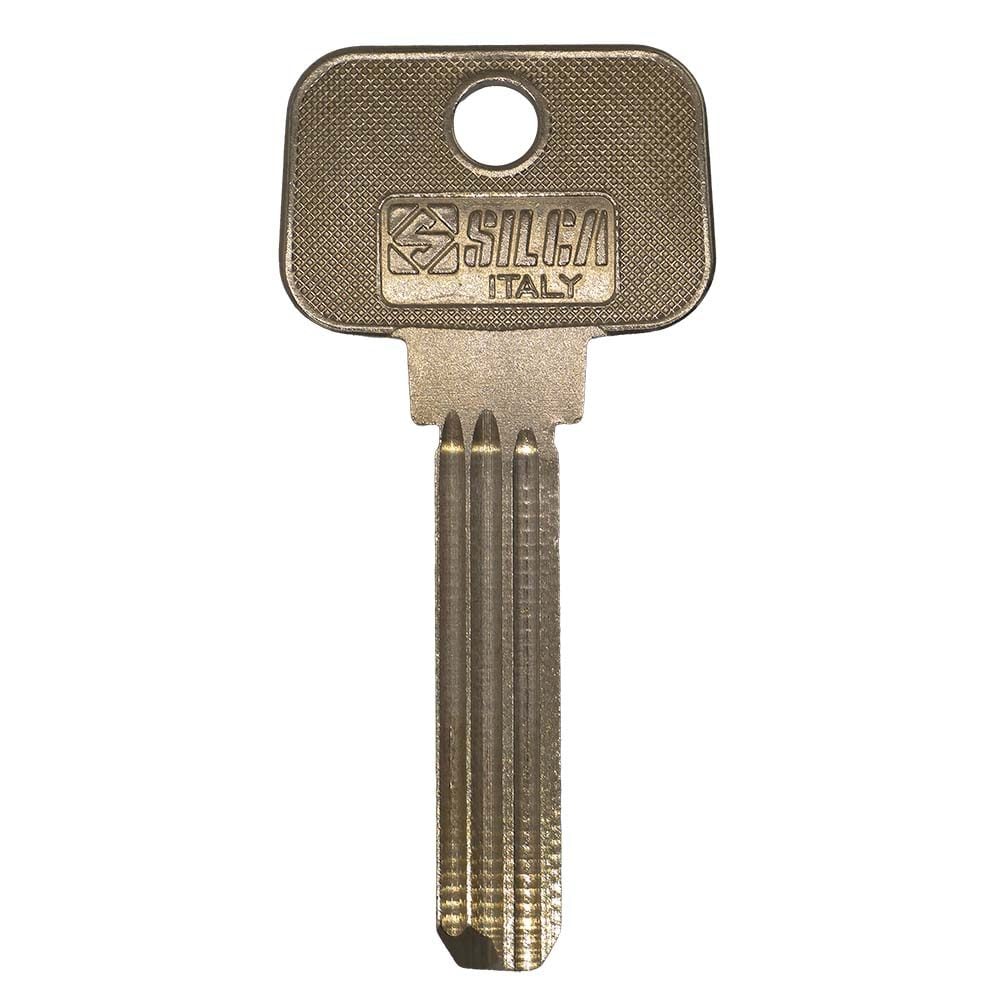
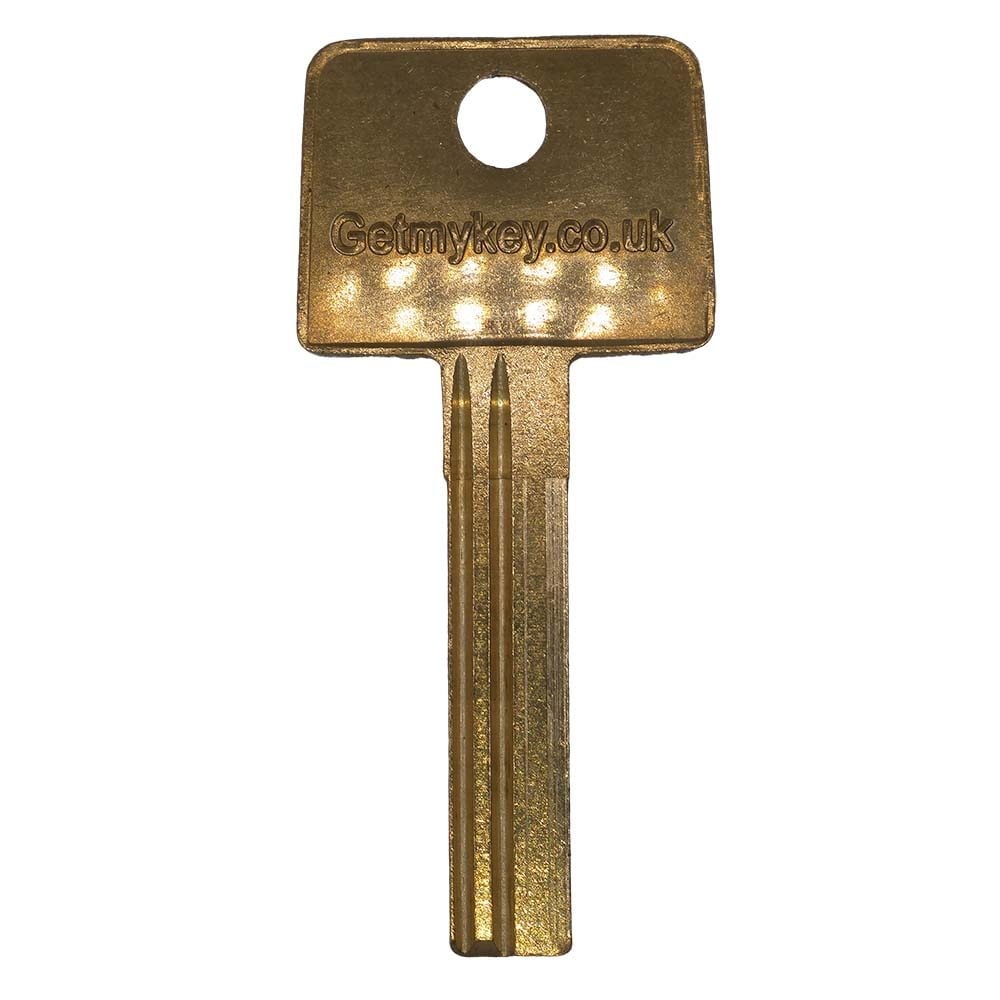
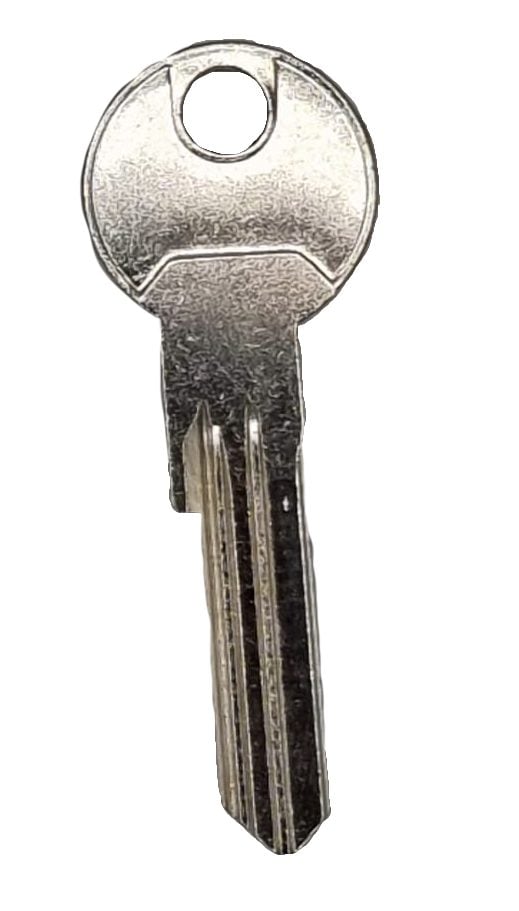
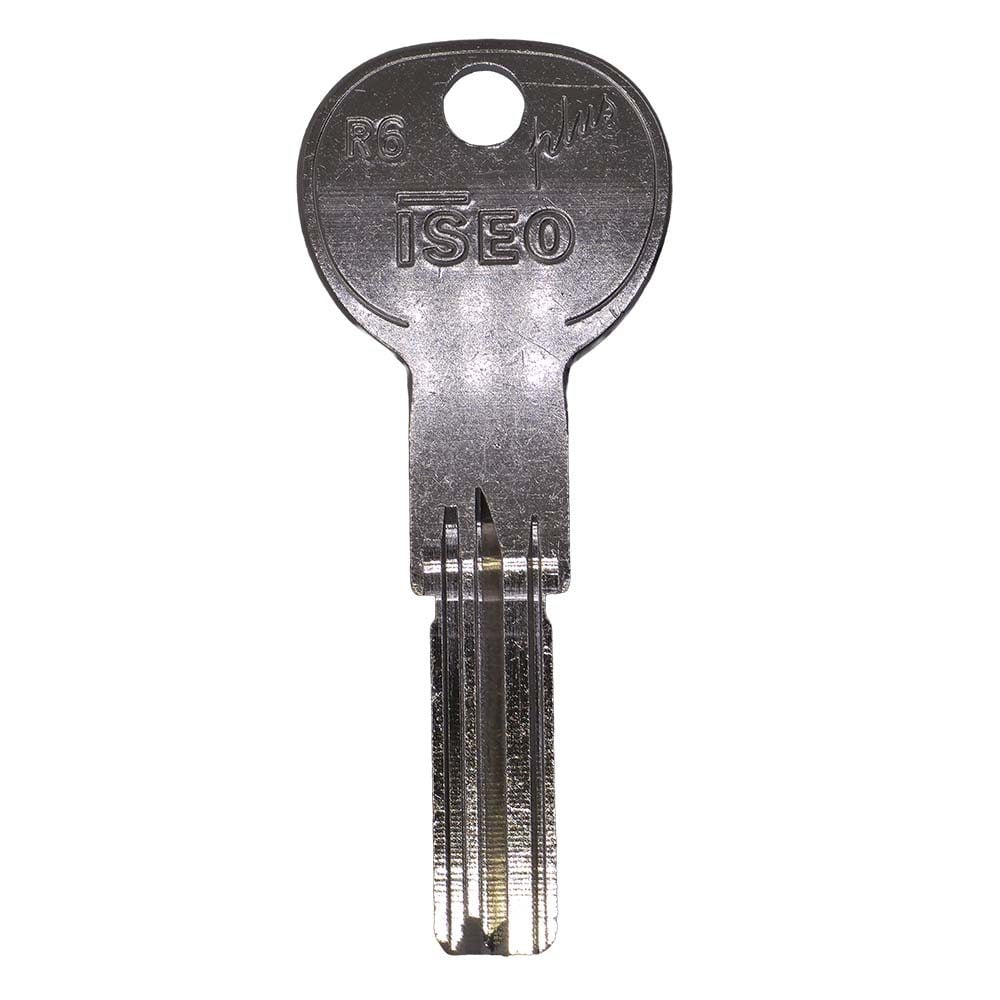
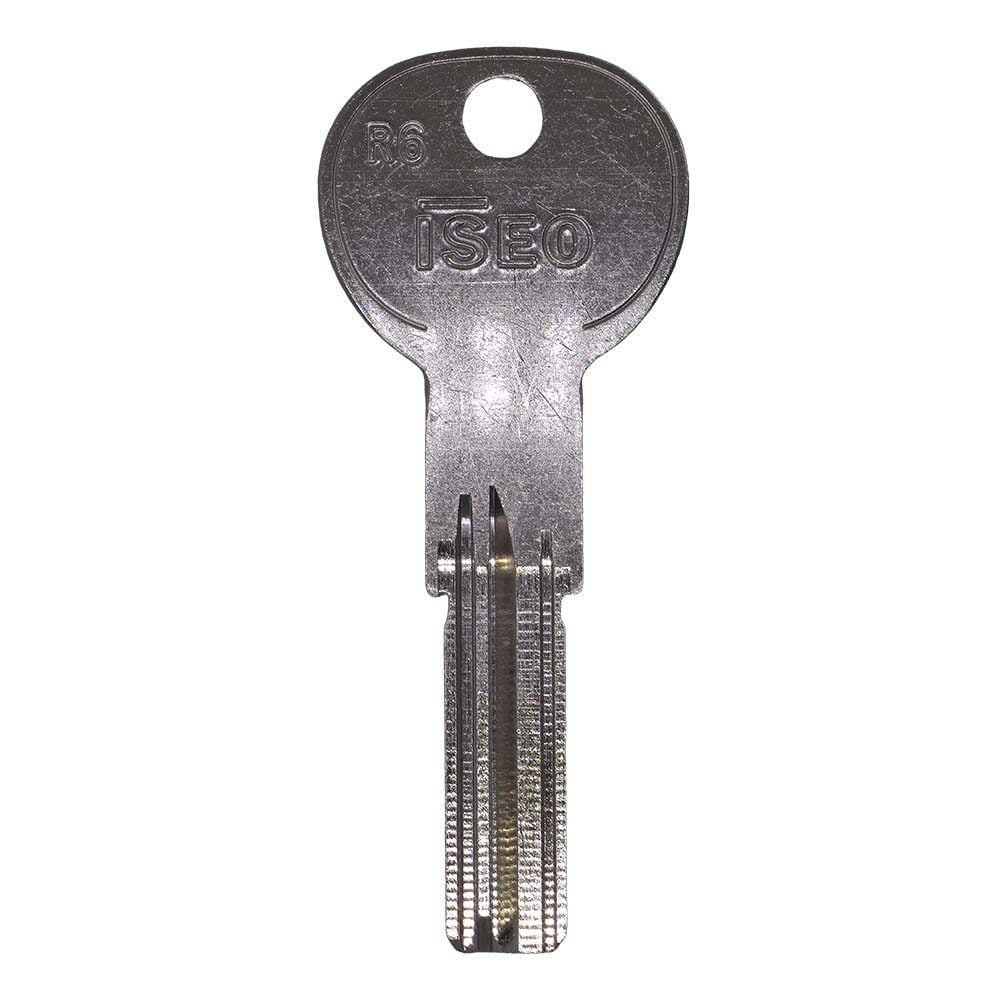
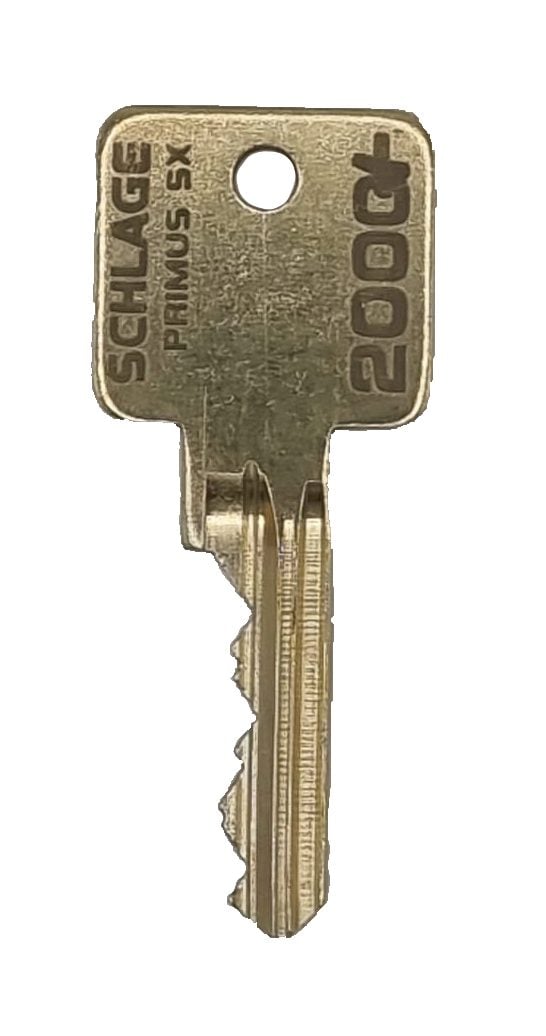
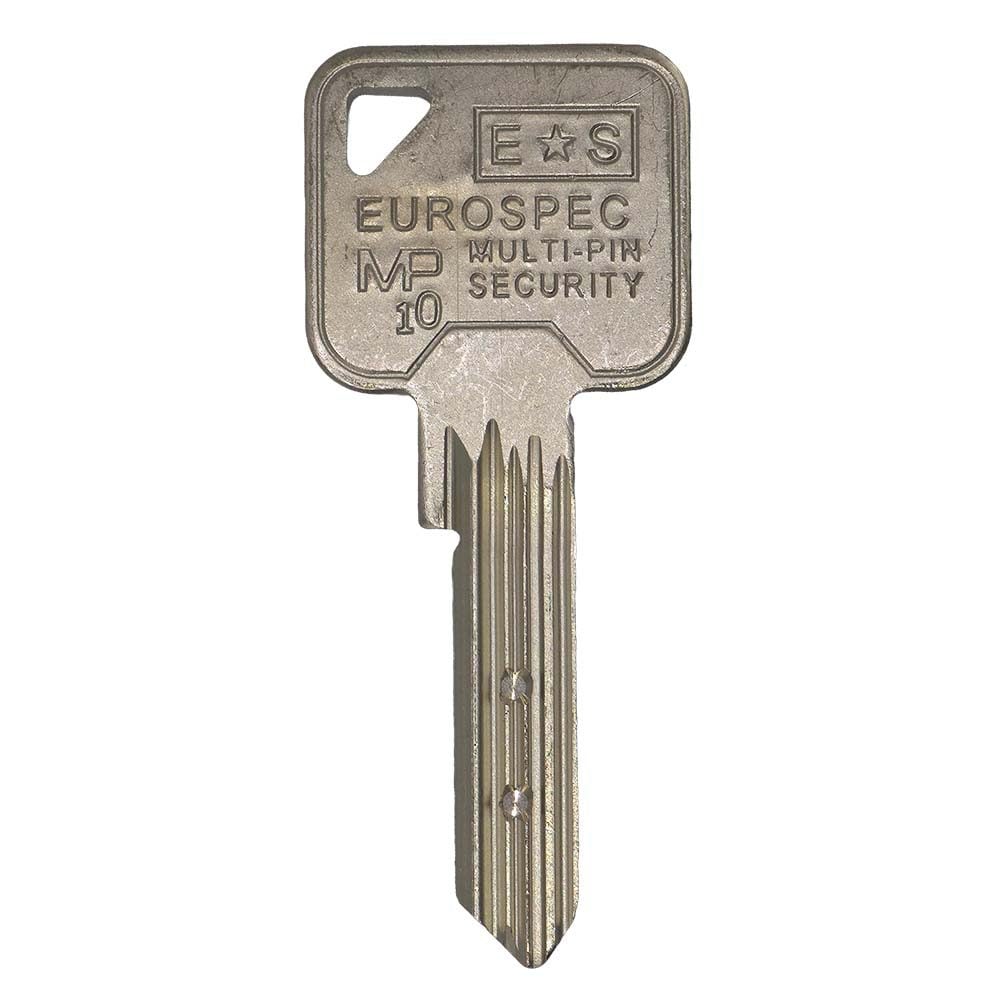
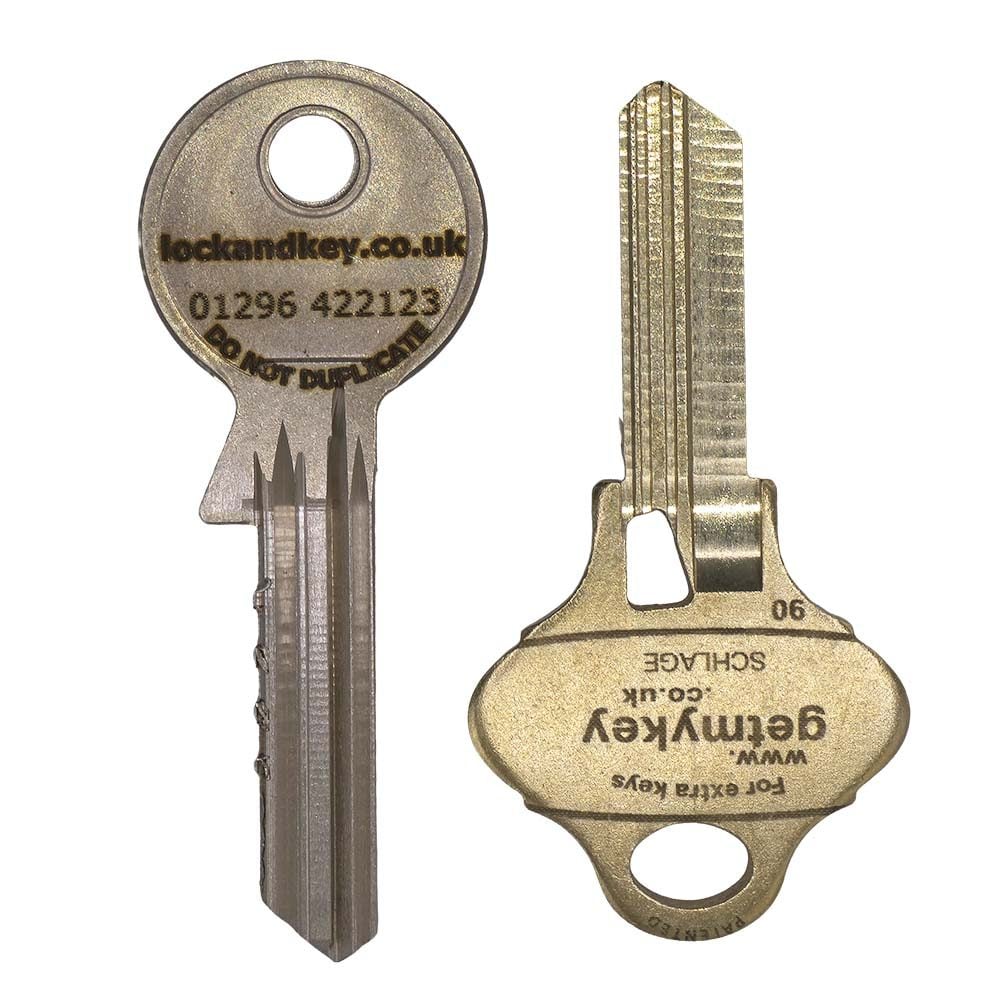
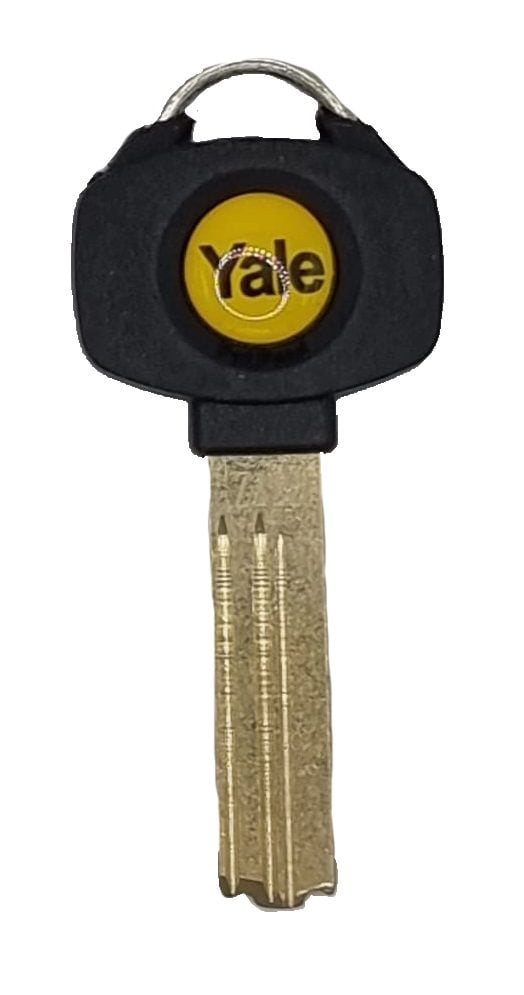
Upload a photo and we’ll identify it through our key decoding service.
Step 3. Order copies of your key
Small key. Big personality.
Swipe. Swap. Make it yours.
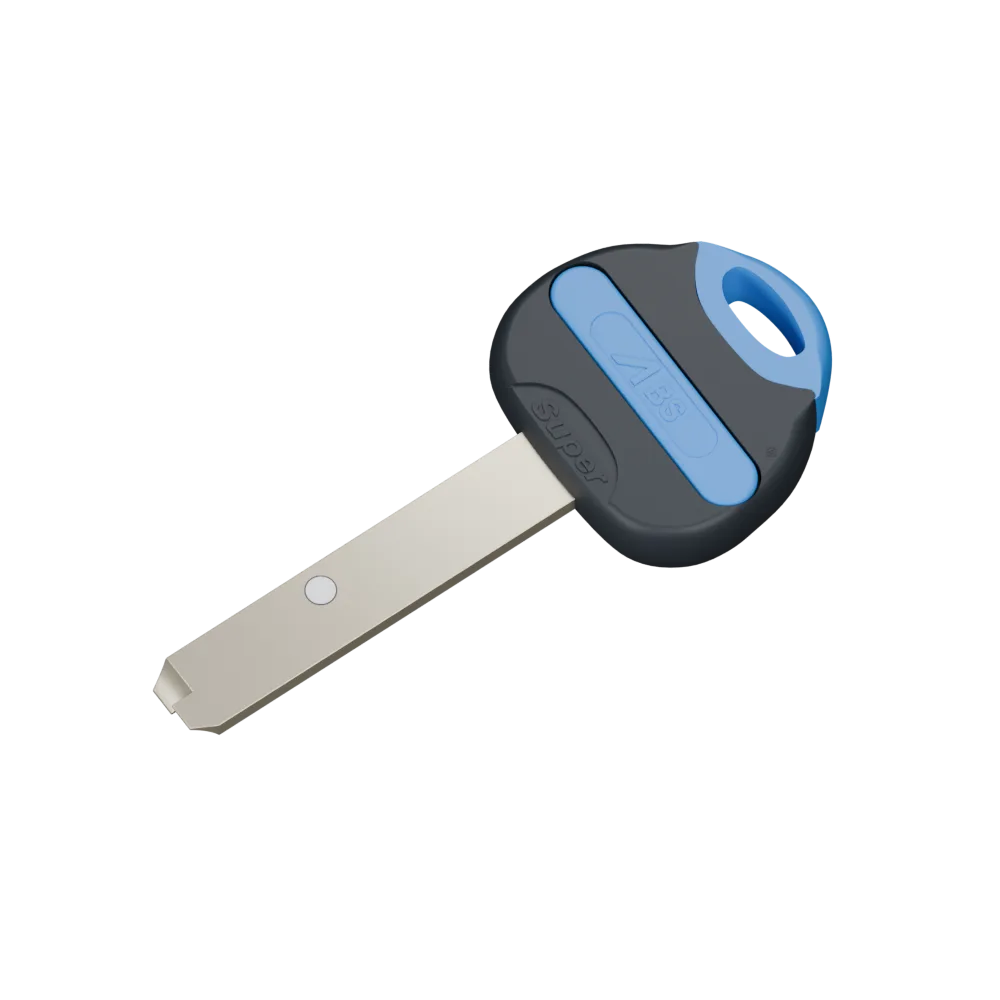
An account is required to order this key.
You don’t need to own the key system.
Why do I need an account?
We use your account to check your permission to order. All restricted keys require authorisation before cutting. You can order for a property you have permission to access.
Find the numbers on the head of your key or on the cylinder.
Examples: HMJ123, TSR433, ONL111
Examples: A2, B1, C2, MAS, COM, COM A
If your key says TSR123 B1, enter TSR123 as the system number and B1 as the key number.
Checking your system and key numbers…
These look like your system and key numbers:
All restricted keys require authorisation before cutting.
System number:
Key number(s):
Example markings — the position and appearance may differ on your key.
On your key
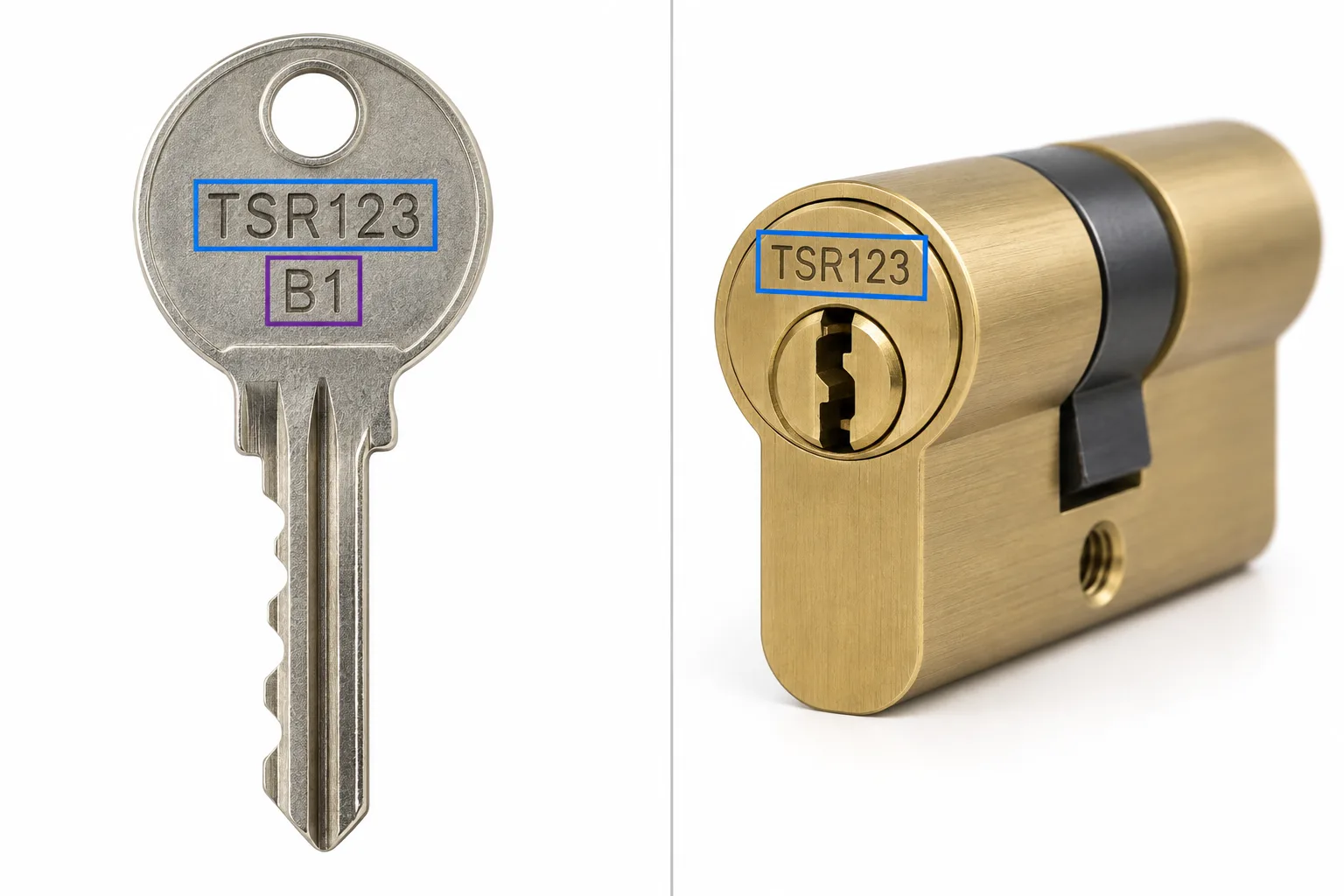
On your cylinder
Required for key cutting.
Attach one clear photo of your control card before adding this key to basket.
Keys cut to code are guaranteed to work. If we get it wrong, we’ll re-cut them free of charge.
Please keep this page open while we attach the control card to your basket item.