


Installation and emergency support
For CCTV, alarms and access control, call the team with the postcode, photos, urgency and any product details ready.
Layered security console
Start with the physical opening, then decide what should be seen, detected, released, credentialed and maintained. The right CCTV, alarm, door-entry or access-control choice follows from that layer plan.
Door
Frame, closer, lock and escape constraints.
Camera
View, lighting, recording and retention.
Alarm
Contacts, PIRs, zones and response.
Entry
Visitor release, intercom and gate points.
Access
Fobs, codes, schedules and audit needs.
Planning focus
The surrounding cards and links separate evidence, detection, release, credentials and ownership.
Security planning
CCTV & Alarms
CCTV, intruder alarms, door entry and access control each solve a different job. A reliable plan separates evidence, detection, controlled movement and physical delay before equipment is chosen.
Console layer 01
Evidence layer
Cameras, lighting, recorders and footage access answer what can be seen, replayed and exported when an incident needs evidence.
Console layer 02
Detection layer
Contacts, PIRs, specialist sensors, zone names and keyholder paths decide how quickly a real activation becomes a useful alert.
Console layer 03
Permission layer
Door entry, fobs, keypads, visitor release and emergency override turn a door schedule into a permission model people can actually run.
Console layer 04
Ownership layer
Named owners for users, codes, footage, alarm response, servicing and privacy notices stop the system drifting after handover.
Mechanical Digital
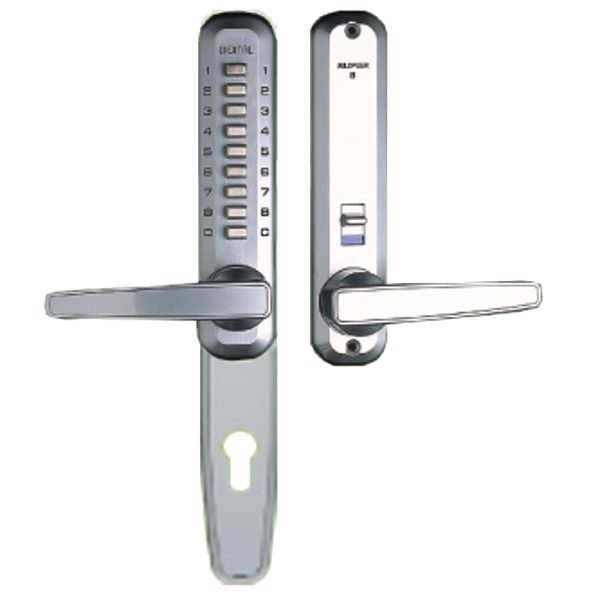
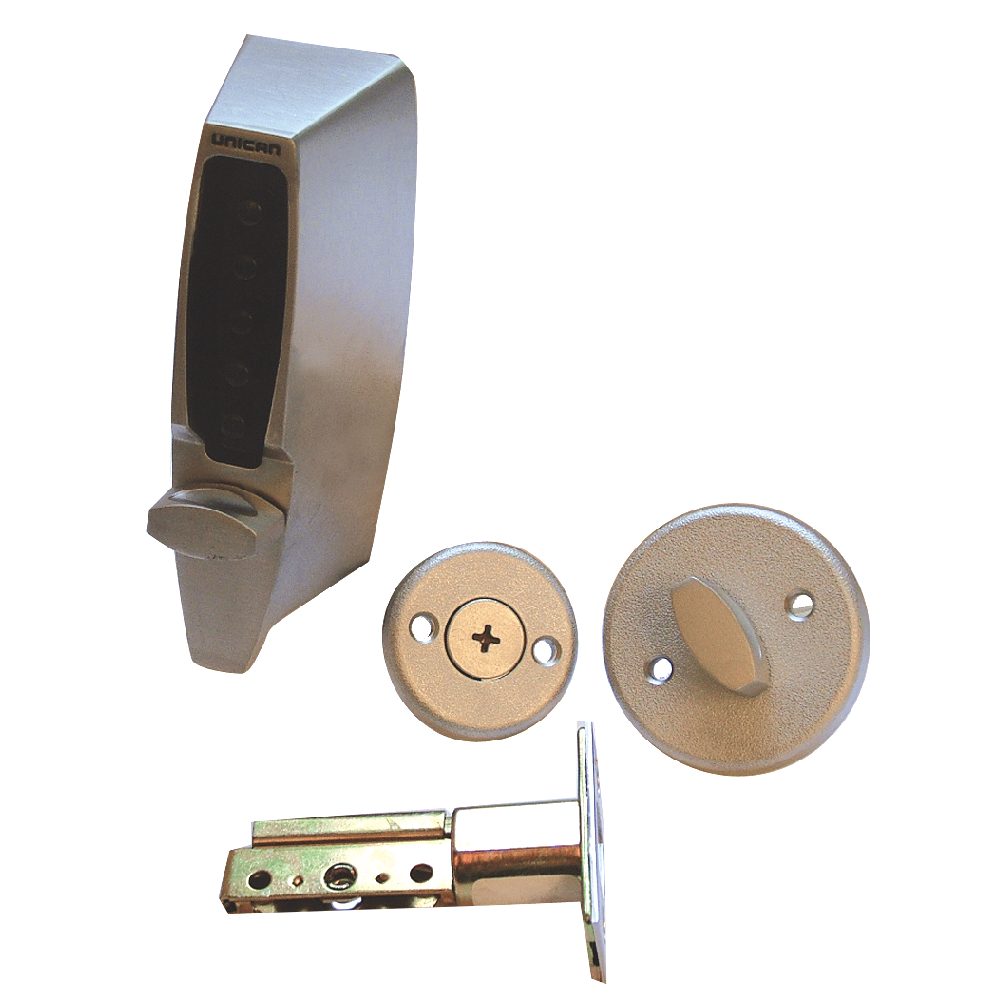
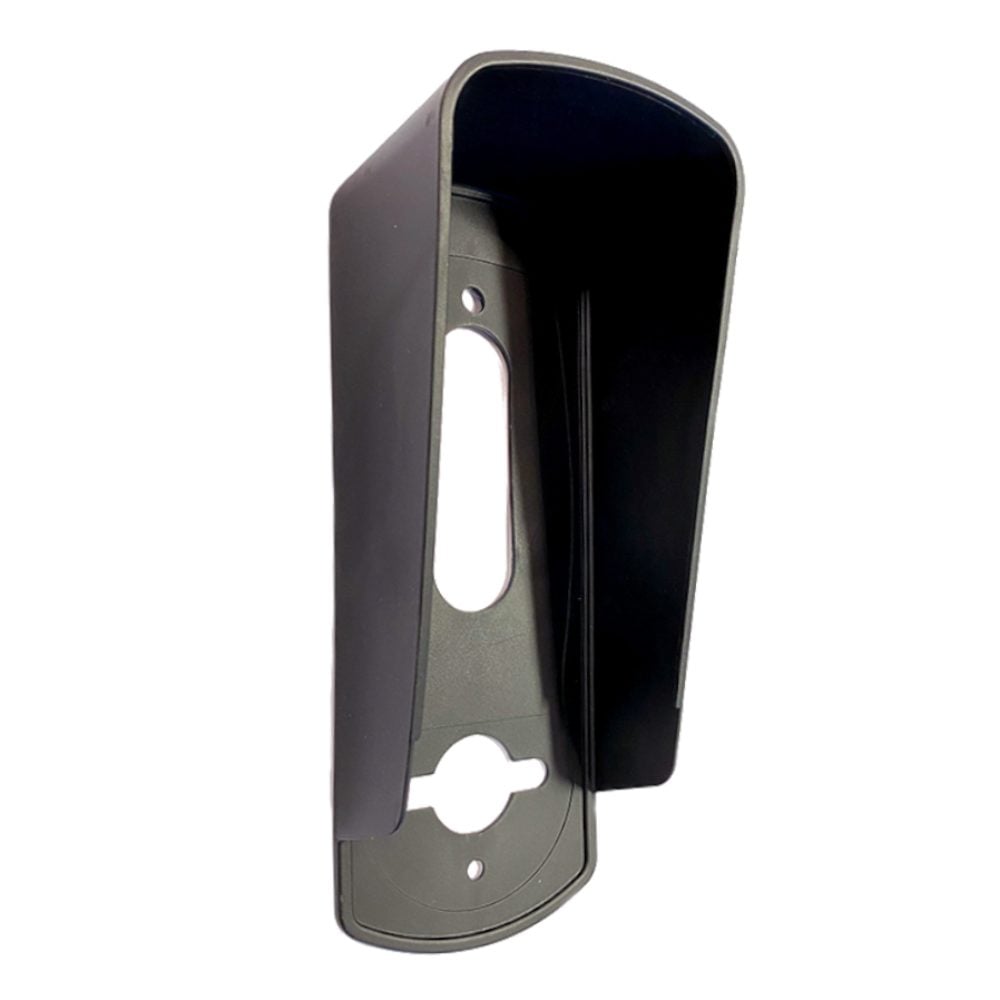
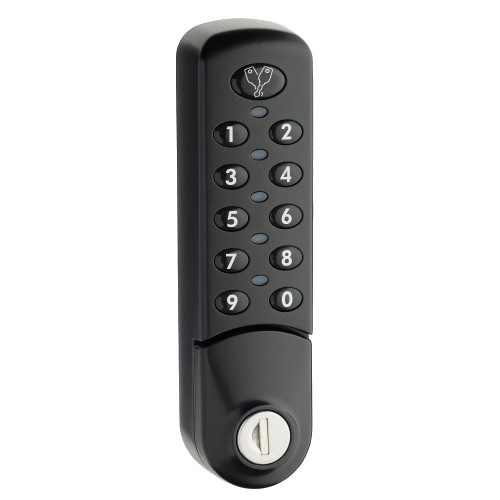
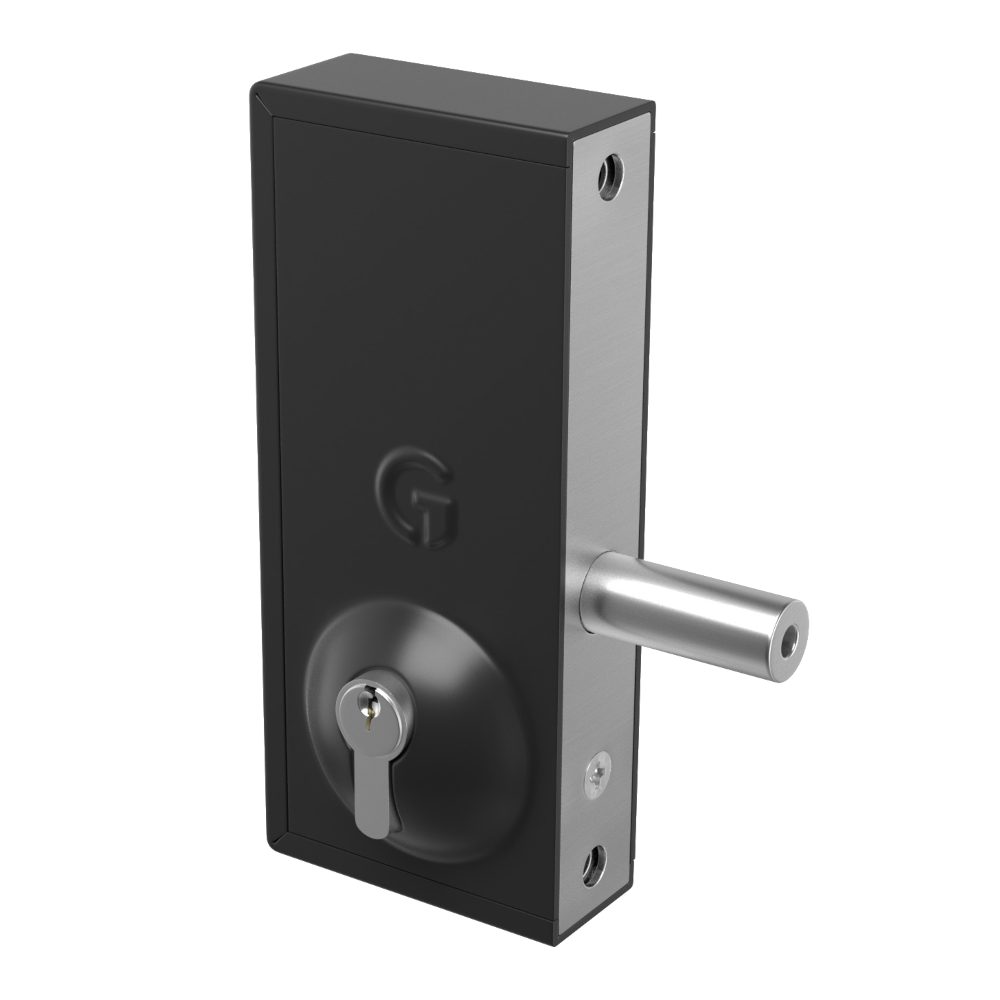
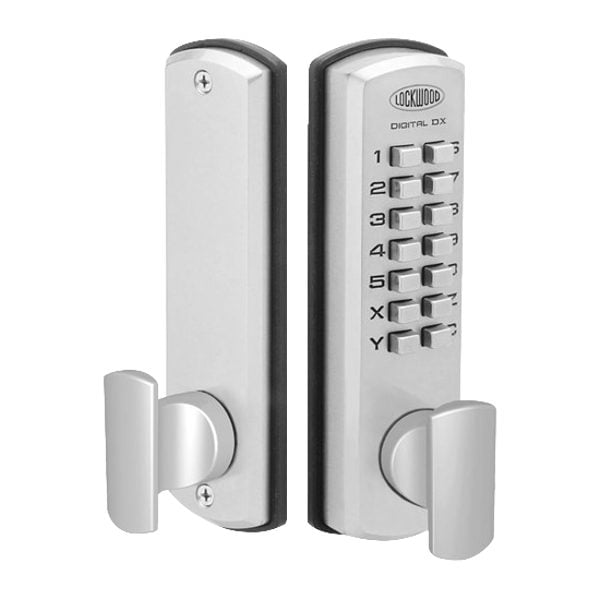
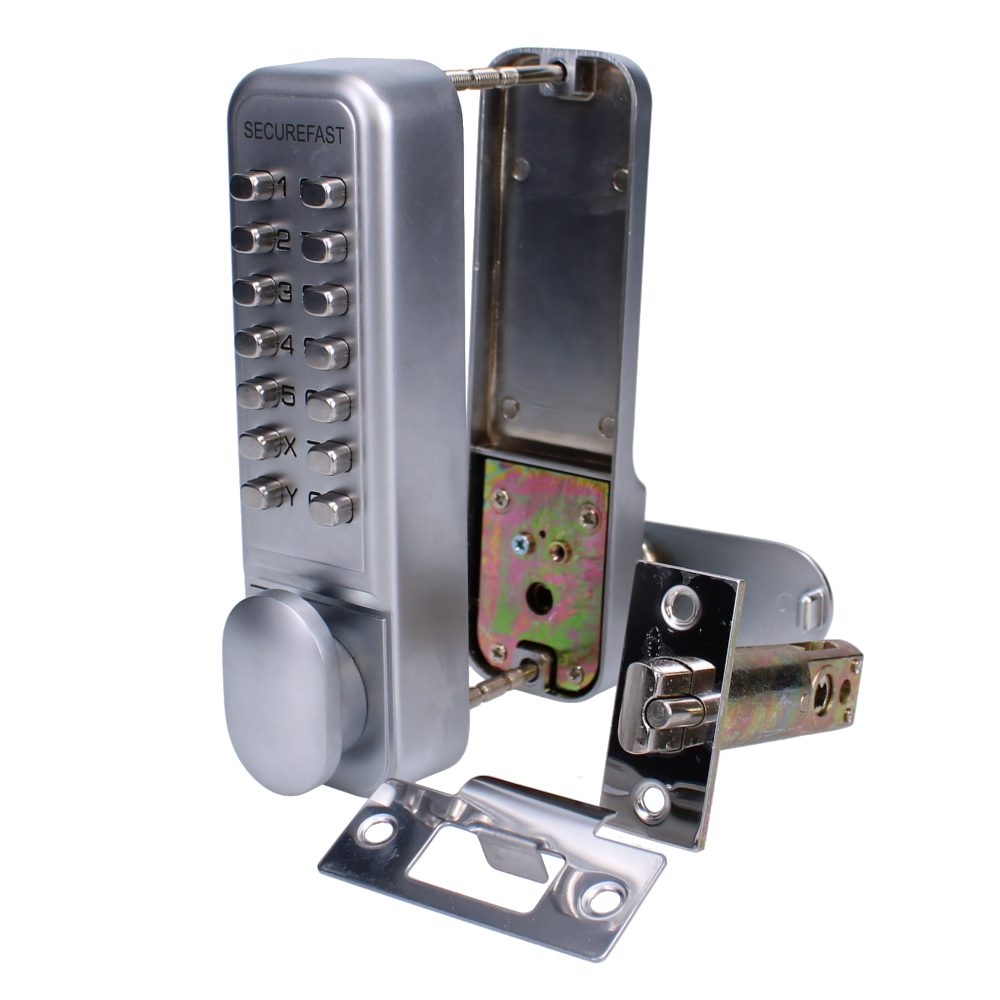
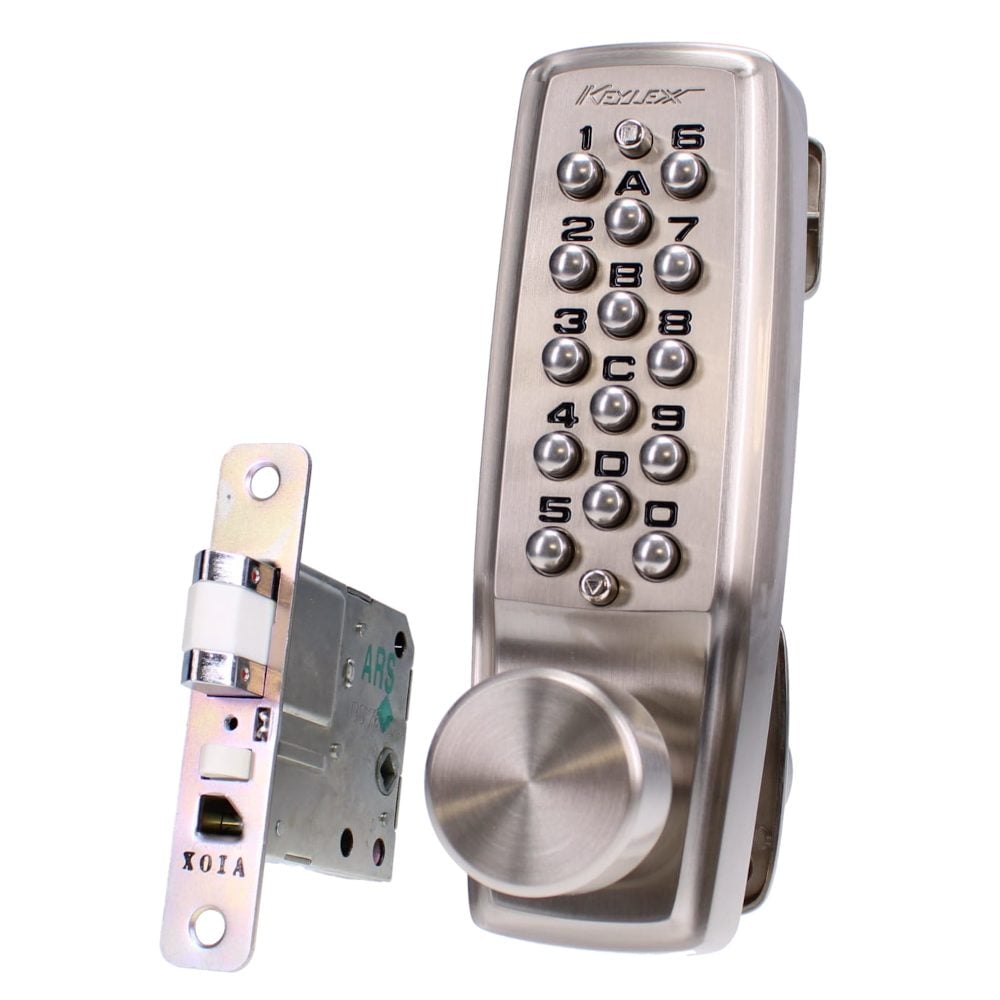
Mechanical digital and keypad access-control products for straightforward staff doors, stores, gates and lower-complexity controlled areas where audit trails, remote administration and multi-door electronic permissions are not required.
Decision modules
Choose the layer before choosing the kit
Treat each opening, route or room as a small control panel. Decide whether it needs evidence, detection, release, credentials, delay or a maintenance owner, then follow the relevant guide.
Evidence module
Coverage
Camera views, lighting, recording, retention, playback and footage access.
Detection module
Detection
Contacts, sensors, zones, keyholders, app alerts, monitoring and response routines.
Permission module
Access
Door entry, fobs, keypads, codes, permissions, visitor release and emergency override.
Decision module
Route each risk to the right layer
A reliable specification starts by assigning every weak point to a security job. CCTV may show what happened but will not physically stop entry. An alarm may warn keyholders but will not identify every visitor. Access control can remove shared keys or codes, but it still depends on the door, frame, closer and escape arrangement.
- Evidence module: entrances, drives, tills, corridors, yards, stock rooms and shared approaches need camera views matched to the detail required.
- Detection module: doors, windows, movement routes, outbuildings and restricted rooms need contacts, sensors or specialist detection matched to normal use.
- Permission module: staff, residents, cleaners, visitors, deliveries, contractors and emergency attendance need a permission model before readers or keypads are chosen.
- Delay module: weak doors, glazing, shutters, gates and stores may need physical reinforcement alongside electronic systems.
Decision module
Build the survey brief from doors, views and users
A useful survey turns a broad security concern into a door-by-door, view-by-view and user-by-user brief. It should capture the building layout, cable routes, wireless range, broadband position, power, existing equipment, user routines, privacy boundaries, escape routes and maintenance access.
- View inputs: main entrances, rear access, side gates, yards, shared doors, reception points, outbuildings, router locations and existing control panels.
- User inputs: residents, staff, managers, cleaners, contractors, visitors, delivery drivers, keyholders and whoever administers users.
- Routine inputs: opening hours, arming routines, shift changes, pet movement, out-of-hours access, deliveries, propped doors and seasonal lighting changes.
- Constraint inputs: fire doors, escape routes, landlord approval, neighbour views, data protection duties, network policies, listed buildings and future expansion.
Decision module
Tune the console to the building routine
The same product family can behave very differently across building types. A home may prioritise simple app alerts, pets and driveway coverage. A shop may need tills, shutters, staff-only rooms and opening routines. A shared residential entrance may need visitor release, fobs, privacy boundaries and management handover.
- Homes: protect likely approaches first, then account for pets, garages, side gates, outbuildings, visitors and simple user operation.
- Retail and offices: separate public areas from staff-only routes, stock rooms, cash handling, cleaners, alarm response and administrator permissions.
- Warehouses and yards: combine camera coverage, lighting, gates, shutters, perimeter hardware, alarm zones and vehicle movement rather than relying on one layer.
- Flats and shared entrances: align door entry, fobs, communal privacy, fire escape, trades access, resident turnover and management responsibilities.
Decision module
Set evidence boundaries before recording starts
Cameras, door-entry records and access logs create information about people. Planning should include what is captured, why it is captured, how long it is kept, who can view it, how exports are controlled and whether signage or resident communication is needed.
- Set camera views to capture the security need without unnecessary intrusion into neighbouring property, private rooms or unrelated public areas.
- Agree recording retention, export permissions, password control, user access and who handles requests for footage.
- Add clear signage where cameras cover shared, workplace or public-facing areas, and keep notices aligned with how the system is actually used.
- Review app access and installer accounts after handover so old users, temporary access and default credentials do not remain active.
Decision module
Reduce nuisance activations at source
False alarms usually come from design, environment, maintenance or user routine. Pets, heaters, decorations, poor door closing, low batteries, draughts, spiders, unclear zones and rushed closing procedures can all undermine confidence in the system.
- Choose sensor positions around pets, heat sources, sunlight, draughts, loose doors, moving stock and areas used after the alarm is set.
- Name zones clearly so users and keyholders know whether a fault is at the front door, rear store, office, garage, landing or yard.
- Train every regular user on arming, part-setting, entry delay, panic features, app alerts, resets and what to do after an activation.
- Investigate repeated activations by zone instead of simply resetting the panel and waiting for the next nuisance alarm.
Decision module
Give every control a named owner
Security systems drift unless someone owns the checks. Cameras get dirty or misaligned, hard drives fail, router settings change, batteries age, doors stop closing cleanly, fobs are lost and staff or residents change. Handover should make those responsibilities visible.
- CCTV checks: live view, playback, time/date, camera names, night images, storage health, lens condition, export process and remote access.
- Alarm checks: battery condition, sensor faults, zone names, keypad operation, app users, keyholder list, siren condition and service intervals.
- Access checks: old users, lost fobs, shared codes, door closer performance, release alignment, emergency override and administrator rights.
- Ownership checks: who approves access, who reviews footage, who calls for service, who changes codes and who keeps records current.
Decision module
Phase upgrades without fragmenting the system
Not every site needs a full system at once. Phasing can start with the weakest entrance, the most useful camera views, a priority alarm zone or one controlled staff door. The important part is avoiding incompatible choices that block sensible expansion later.
- Choose recorders, cable routes, panels, power supplies and controllers with enough capacity for realistic near-term expansion.
- Keep brand, app, user and administrator choices coherent so the site does not become several unrelated systems.
- Mechanical digital locks can suit simple staff doors, stores, gates and low-complexity shared areas where no audit trail or remote administration is needed.
- Managed electronic access is more suitable when named users, schedules, rapid revocation, event logs or multi-door administration matter.
FAQs
CCTV & Alarms FAQs
Short answers for separating product research, fitting, survey and urgent callout work.
Should CCTV, alarms or access control come first?
Start with the risk. CCTV is strongest for visibility and evidence, alarms are strongest for detection and response, and access control is strongest for managing who can enter. Many sites need two or more layers.
What information is most useful before a survey?
Prepare photos, a simple floor plan if available, door counts, existing equipment brands, broadband or network locations, user groups, opening routines, keyholder details, privacy concerns and the main incidents or worries the system must address.
Do cameras need signage?
Signage is usually expected where cameras cover workplaces, shared buildings or public-facing areas. Domestic-only systems still need careful camera angles so neighbouring property and unrelated areas are not captured unnecessarily.
How can false alarms be reduced?
False alarms are reduced by careful sensor placement, clear zone naming, reliable door closing, pet-aware design, battery and device maintenance, user training and investigating repeated activations by cause rather than only resetting the system.
Can door entry and CCTV be planned together?
Yes. Visitor release, gates, receptions, shared entrances and flats often benefit from both controlled release and a useful visual record. The camera view, intercom position and door-release hardware should be specified together.
When is mechanical digital access control enough?
Mechanical digital locks can be enough for simple staff doors, internal stores, gates and low-complexity shared areas where a code is acceptable and audit trails are not needed. Managed electronic access is better for named users, schedules, rapid revocation and multi-door administration.
Who should own system administration after installation?
There should be named owners for user changes, code changes, lost fobs, footage access, alarm keyholders, servicing, fault reporting and privacy notices. Without ownership, even well-specified systems drift out of control.
Can upgrades be phased?
Yes. Phasing works well when the first installation leaves capacity for later cameras, alarm zones, doors, users, storage, monitoring or network changes. It works badly when each phase becomes a separate unsupported system.
Installation and emergency support
Need CCTV, alarms and access control handled by our team?
Call for locksmith callouts, vehicle keys, safes, grilles, shutters, CCTV, alarms, access control, fire doors, and installation work. Share the postcode, photos, urgency and any product details so the job can be routed cleanly.
Call our team
01296 925335