


Choosing Contactless Credentials: A Practical Guide to Paxton MIFARE Classic 1K ISO Cards
Modern access control systems rely heavily on the convenience and reliability of contactless credentials. Whether you are managing an office building, an educational facility, or a multi-tenant commercial site, issuing secure physical access tokens to staff and contractors is a daily task for site managers and facilities teams.
The Paxton 692-148 MIFARE Classic 1K Proximity ISO Card (Pack of 10) is engineered to meet this demand. Combining the slim standard ISO card format with standard 13.56 MHz MIFARE technology, these contactless cards offer seamless integration across Paxton system readers as well as multi-vendor sites.
Understanding the Paxton 692-148 Credentials
Not all proximity credentials operate in the same way. While standard legacy proximity cards often use 125 kHz low-frequency signals, the Paxton 692-148 credential operates at 13.56 MHz using MIFARE Classic 1K architecture.
Primary Highlights:
- ISO 7810 Standard Format: Measuring the same dimensions as a credit card, these thin, light credentials fit comfortably into wallet slots, lanyards, or badge holders.
- Without Magnetic Stripe: Designed purely for contactless proximity operation, eliminating unnecessary magnetic stripes that can wear down or clutter the card face.
- 1K Memory Capacity: Features 1 Kilobyte of built-in storage divided into sectors, perfect for handling standard access control UID transmission and multi-sector system configurations.
- Pack of 10 Convenience: Supplied in manageable 10-packs, allowing facility managers to stock spare tokens for new starters or replacements without ordering excessive surplus.
System Compatibility & Multi-Site Versatility
One of the standout benefits of the Paxton 692-148 card is its cross-platform capability.
- Paxton Net2 Systems: When paired with Paxton Net2 MIFARE-compatible readers (such as the P50 MIFARE or backbox readers), these cards present a clean credential option for Net2 desktop enrolment and user management.
- Paxton10 Systems: Fully supported on Paxton10 readers, offering seamless credential assignment alongside smart devices or keyfobs.
- Third-Party Access Control Systems: Because these cards utilise open ISO/IEC 14443 Type A MIFARE Classic technology, they can be read by a wide range of third-party 13.56 MHz proximity readers, making them ideal for sites operating mixed hardware platforms.
ISO Cards vs. Keyfobs: Which Format Is Right for Your Site?
When selecting contactless tokens for your building, choosing between an ISO card and a keyfob depends on how your end-users interact with the system on a daily basis.
- ISO Cards (692-148): Ideal for environments where visible identification is mandatory. Cards can be easily inserted into clear lanyards or clips, displaying photo badges while granting entry at wall readers.
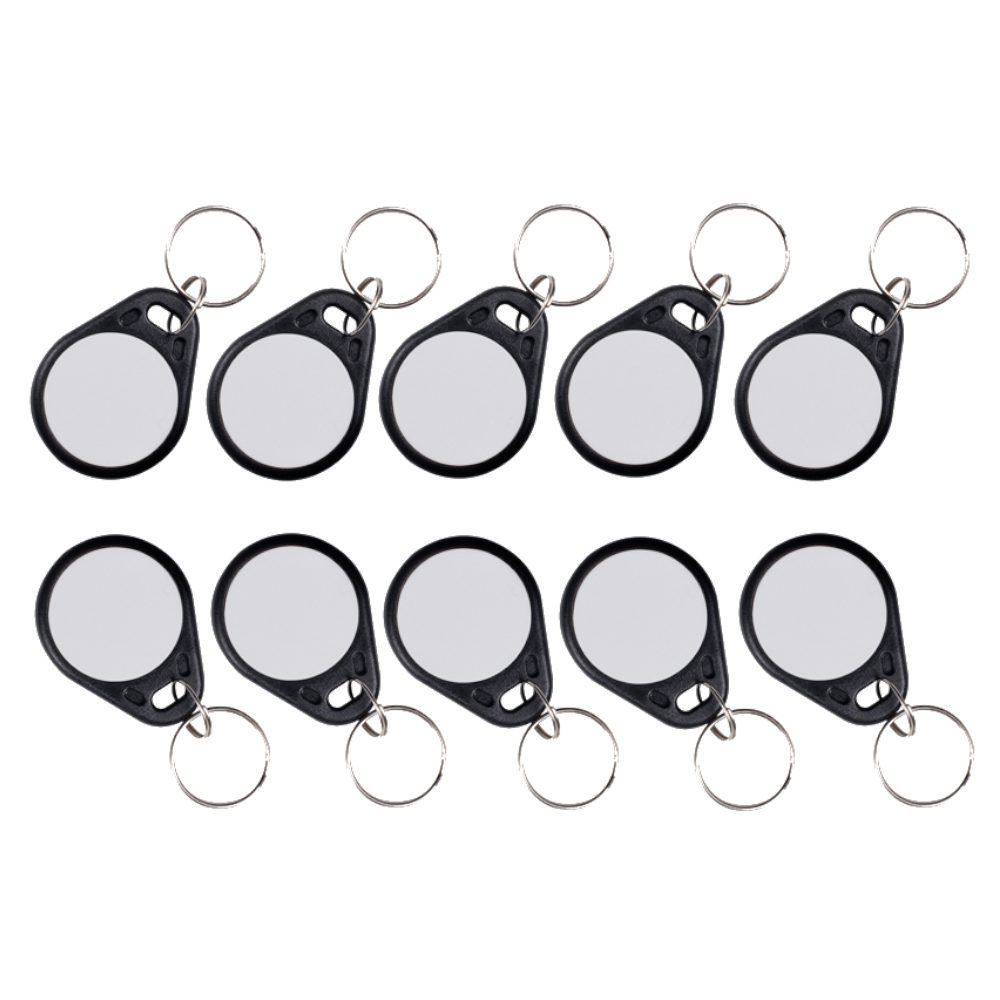
- Keyfobs (695-150): Better suited for field workers, maintenance teams, or residential tenants who prefer attaching their credential directly to a keyring without carrying a lanyard or wallet.
Featured products
2 items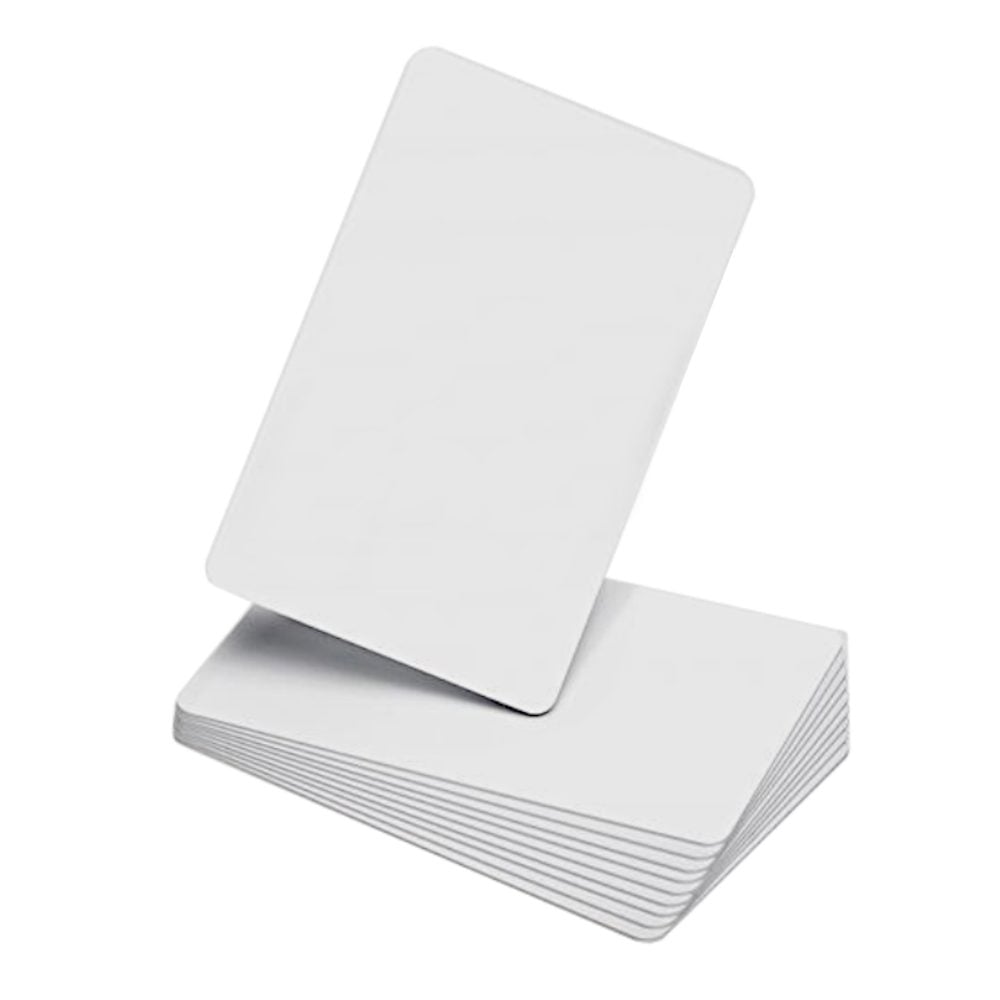
Practical Use Cases for Paxton MIFARE 1K Cards
Commercial & Corporate Offices
In professional office environments, staff often require visual ID cards alongside door access. The flat ISO surface of the 692-148 allows for clean integration with card holders, lanyard clips, and direct thermal card printers where custom branding or user details are applied.
Educational Institutes & Healthcare Facilities
Schools, colleges, and medical sites require rapid enrolment and effortless revocation when tokens are lost or misplaced. Managing credentials in packs of 10 simplifies inventory management for administrative departments.
Multi-Tenant & Shared Commercial Spaces
In multi-tenant office blocks where different companies share common entrance turnstiles or barrier gates, using standard MIFARE 1K credentials ensures that a single card can be programmed across separate access control platforms operating within the same building.
Key System Administration Tips
To ensure smooth deployment and long-term reliability of your access control tokens:
- Utilise Desktop Readers for Fast Enrolment: Use a Paxton desktop enrolment reader connected to your Net2 or Paxton10 administration PC to quickly assign new 10-pack cards to user profiles in seconds.
- Implement Lost Token Protocols: Whenever a credential is lost or unaccounted for, instantly mark the token as 'Lost' or 'Barred' within your central management software to maintain perimeter security.
- Use Protective Holders: Although the ISO card construction is flexible and durable, placing cards in protective plastic holders reduces surface scuffing and prolongs internal antenna lifespan.
Explore our full range of Paxton access control tokens, readers, and hardware below:
Net2
Popular picks from this category.