

A Guide to the Paxton 695-150 MIFARE Classic 4K Proximity Keyfob: Multi-Application Access Control
Multi-Application Access: A Guide to the Paxton 695-150 MIFARE Classic 4K Proximity Keyfob
In a modern commercial or educational environment, access control is rarely just about unlocking doors. Security managers and facilities teams are increasingly tasked with integrating multiple systems into a single, seamless user experience. From secure print release and PC login to cashless canteen payments and gym memberships, the demand for "one-token-does-all" convenience is higher than ever.
If your building utilises a Paxton Net2 system alongside other smart technologies, the Paxton 695-150 MIFARE Classic 4K Proximity Keyfob is designed to solve this exact multi-application puzzle. Supplied in a convenient pack of 10, these robust, high-capacity keyfobs bridge the gap between secure door entry and third-party smart systems.
What is the Paxton 695-150 Keyfob?
The Paxton 695-150 is a compact, contactless proximity keyfob operating at a high frequency of 13.56 MHz. Unlike standard low-frequency proximity tokens that only transmit a single, fixed ID number, this keyfob utilises MIFARE Classic® 4K technology.
Manufactured from durable black polycarbonate, each fob is built to withstand the rigours of daily use. It comes complete with a sturdy metal split ring, allowing users to easily attach it to their existing keyrings, lanyards, or ID badge holders.
Why 4K Memory Matters: The Power of Multi-Application
The defining feature of the Paxton 695-150 is its generous 4KB (4096 bytes) memory capacity.
Standard proximity credentials often have very limited memory (such as 1KB), which is quickly consumed by basic access control data. The 4K memory of the 695-150 is divided into secure sectors. This architecture allows you to partition the fob's memory for different uses:
- Paxton Net2 Access Control: A portion of the memory is dedicated to communicating with your Paxton Net2 readers, granting or denying access to doors, barriers, and lifts.
- Third-Party Systems (Free Sectors): The remaining sectors are left open for third-party applications. This means the same keyfob can be programmed to work with:
- Cashless Vending & Canteens: Staff can tap their fob to pay for lunch or coffee.
- Follow-Me Printing: Securely release print jobs at communal office printers.
- Library & Resource Management: Track and check out equipment or books.
- Time and Attendance: Log shift start and end times on compatible clocking-in terminals.
By consolidating these functions onto a single keyfob, organisations can drastically reduce the cost of purchasing multiple cards or fobs, while simplifying the user experience for employees, students, or residents.
Built for Demanding Environments
Access credentials take a beating. They are dropped, sat on, thrown into bags, and exposed to extreme weather.
To ensure long-term reliability, Paxton has constructed the 695-150 from high-grade polycarbonate. This material provides excellent impact resistance and structural integrity.
- Operating Temperature: It is rated to operate in temperatures ranging from -20°C to +85°C, making it suitable for external gates, cold storage facilities, and harsh industrial environments.
- Data Retention: The internal chip boasts a 10-year data retention lifespan, ensuring that once programmed, the fob will perform reliably year after year without the risk of data degradation.
Straightforward Programming and Management
Integrating the Paxton 695-150 into your existing Net2 setup is incredibly simple. There is no need for complex administrative training:
- User Registration: Open your Net2 PC software and enter the new user's details.
- Desktop Enrollment: Present the 695-150 keyfob to your Paxton desktop reader. The software will instantly read the fob's unique ID and link it to the user's profile.
- Set Permissions: Assign the appropriate access levels (e.g., 24/7 access, office hours only, or specific door groups) and save.
Once registered, the fob is ready for immediate use. When presented to a Net2 reader, access permissions are verified in milliseconds, ensuring a smooth flow of traffic through busy entrances.
Keyfobs vs. Proximity Cards: Which Should You Choose?
When designing or expanding an access control system, you will often need to choose between keyfobs and traditional ISO cards.
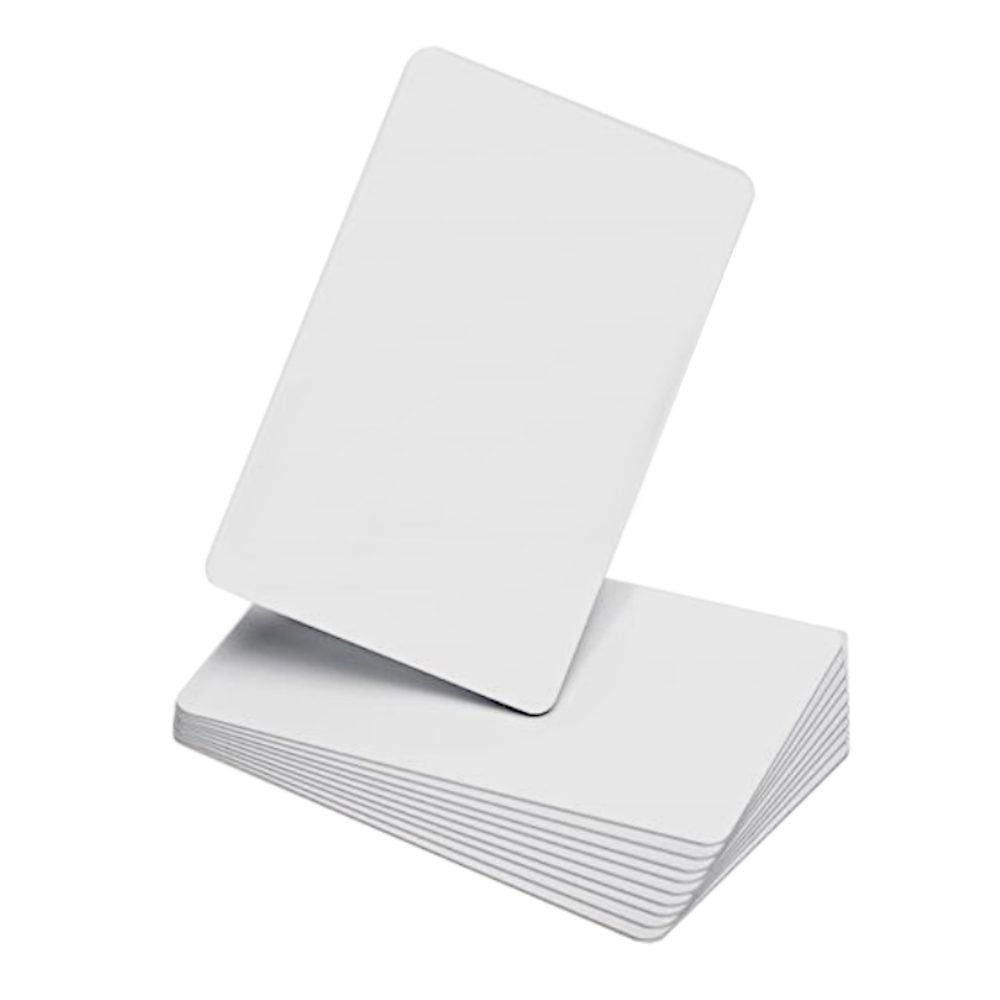
While the Paxton 695-150 Keyfob offers maximum durability and convenience for keyrings, some applications are better suited to flat cards. For example, the Paxton 692-148 MIFARE Classic 1K Proximity ISO Card is a flat, white card without a magnetic stripe.
Here is how to decide which format fits your needs:
- Choose the 695-150 Keyfob if: You want a compact, highly durable credential that users can attach directly to their keys. Fobs are less likely to be bent, snapped, or lost compared to loose cards, making them ideal for industrial sites, schools, and active workforces.
- Choose the 692-148 ISO Card if: You need to print photo identification, staff names, or company branding directly onto the credential using a standard card printer. Cards are also preferred if users routinely carry their credentials in wallets or slim badge holders.
Featured products
2 items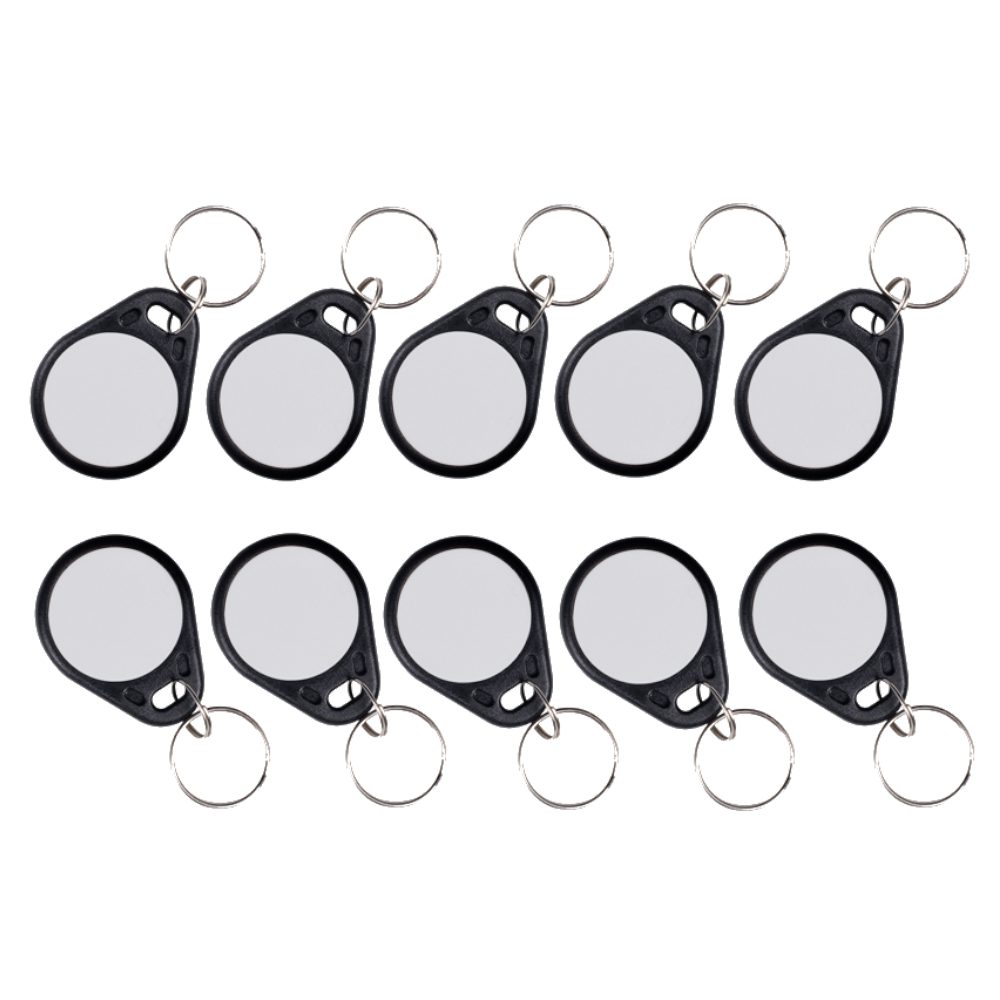
Future-Proofing Your Premises
Investing in MIFARE Classic 4K technology is an excellent way to future-proof your building's security. Even if you only use the keyfobs for door access today, the open sectors remain available for any smart system upgrades you might deploy in the future.
Whether you are managing a busy corporate headquarters, a university campus, or a multi-tenant residential block, the Paxton 695-150 offers the perfect blend of robust physical design, high-capacity data storage, and seamless Net2 integration.